

Run stores, menus, orders, and reports from one dashboard.
The Dashboard is where you configure your platform and follow the operation: stores and brands, menus, orders and delivery, marketing, reports, users, and messages.
What your team manages in the Dashboard.
Stores and brands
Multi-store management, brands, delivery zones, cities, and the order types each store accepts.Menus and catalog
Unlimited products, options with conditions, scheduled and shared menus, and stock.Orders and delivery
Live and manual orders, driver assignment, delivery automation rules, and third-party couriers.Growth and reports
Coupons, advanced offers, cart recovery, loyalty, business reports, and data exports.85 features, included in every plan.
9 more features work across the whole platform. The feature catalog lists them all.
Dashboard modules
A tour of the modules your team works in.
Each module keeps one part of the operation on its own screen, from the orders coming in to the settings behind the whole platform.
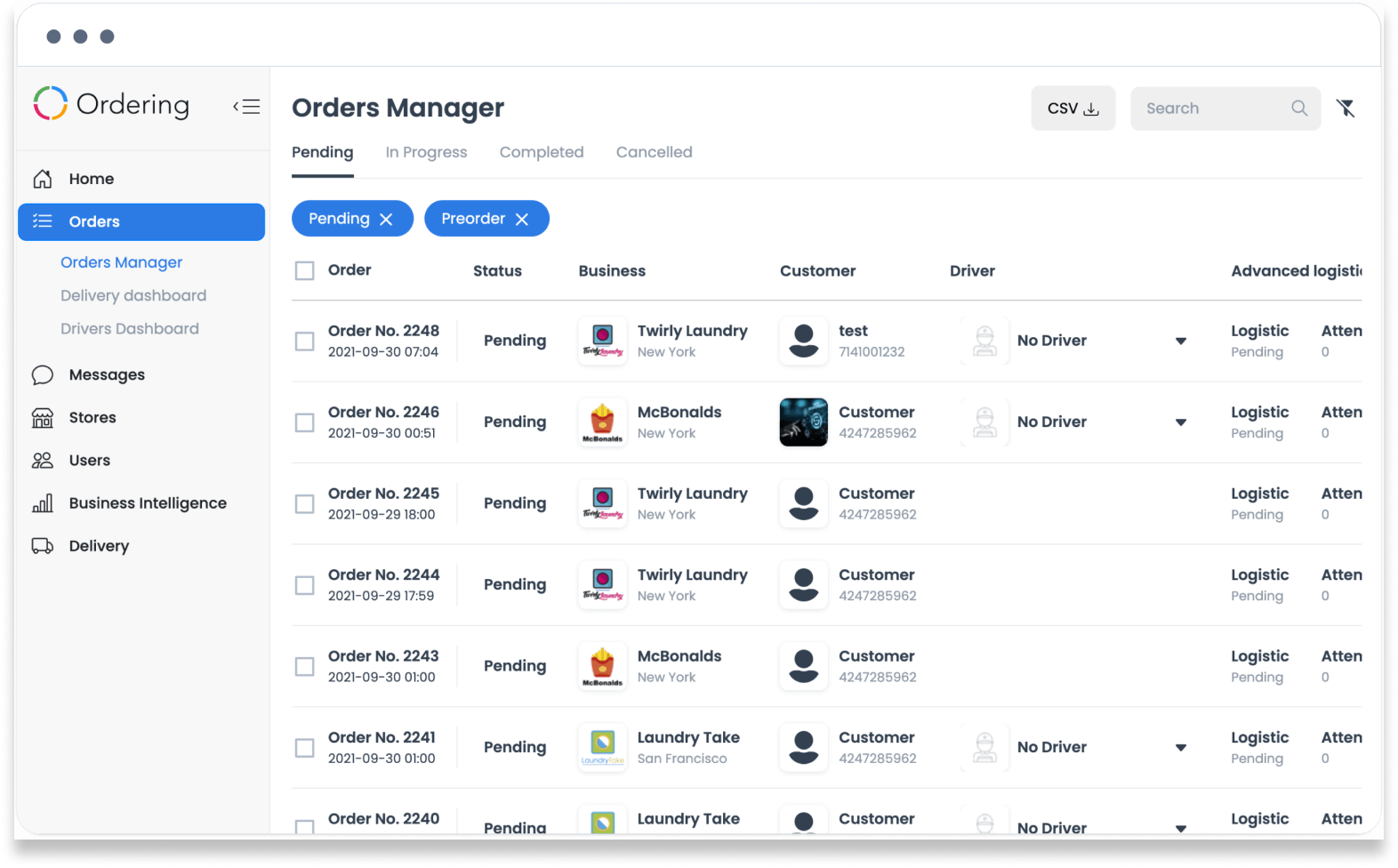
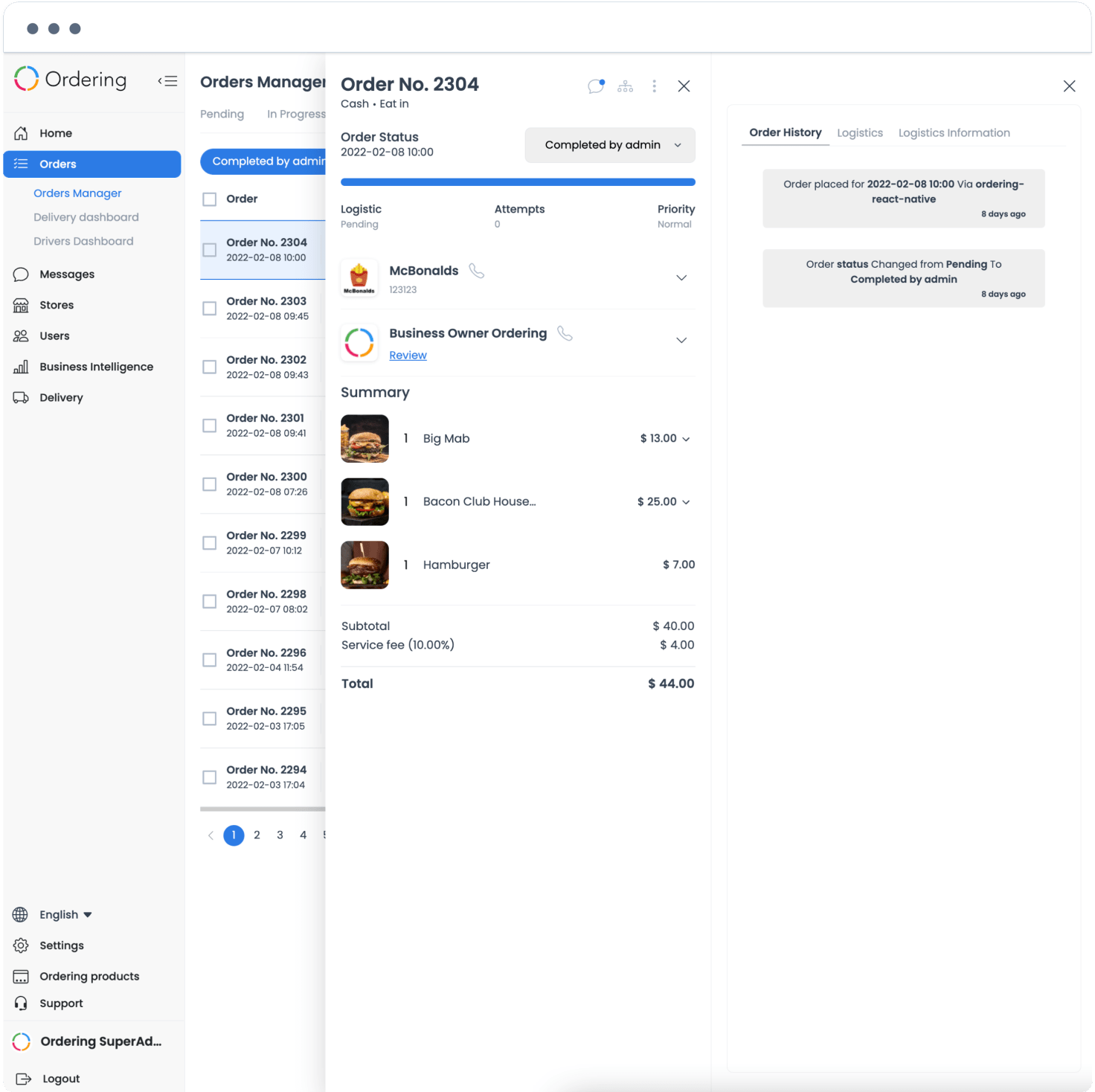
Orders: control every incoming order
Every order customers place shows on one straightforward screen. View it, change its status, assign a driver, or open it for the full details.
Follow everything happening with orders in real time, and change statuses in bulk in a few clicks.
Messages: reach anyone in a few clicks
Contact your businesses, drivers, or customers instantly, in a chat that works like a messaging app, to solve an issue or answer a question about an order.
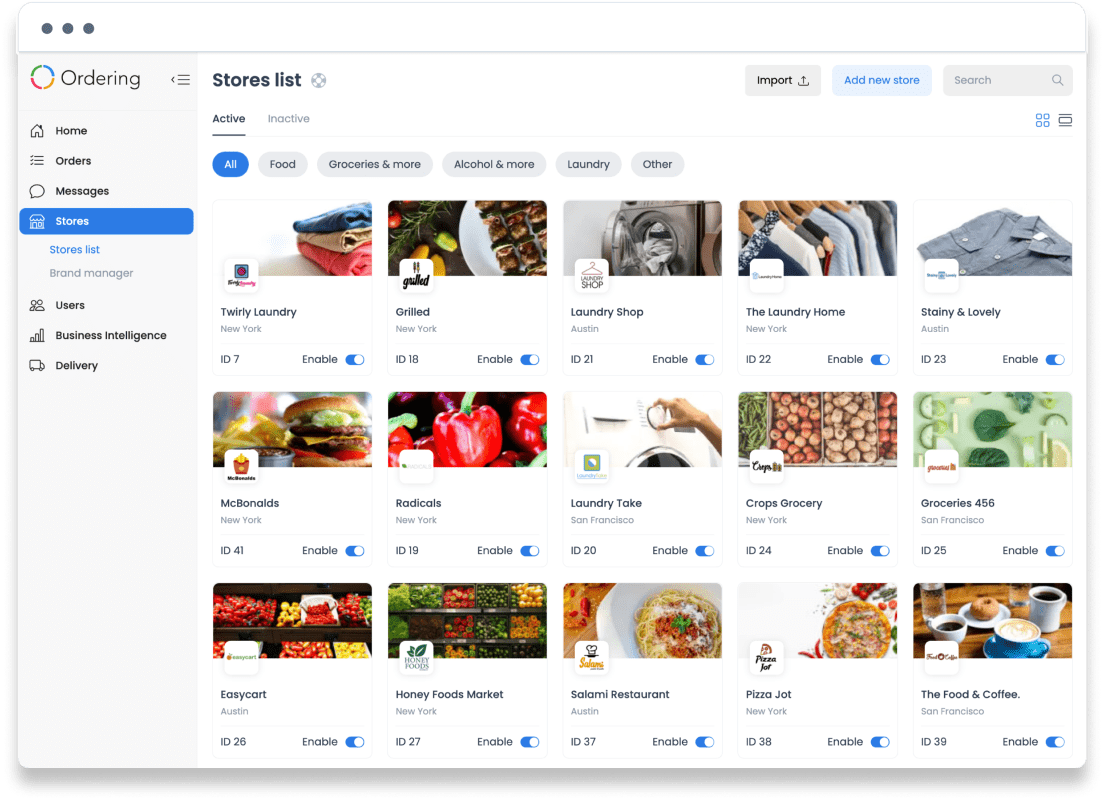
Stores: every store on one screen
Add as many stores, and as many kinds of store, as you need. See which stores are available, disable one, check its rating, and follow how it is performing.
Open any store to see its full details.
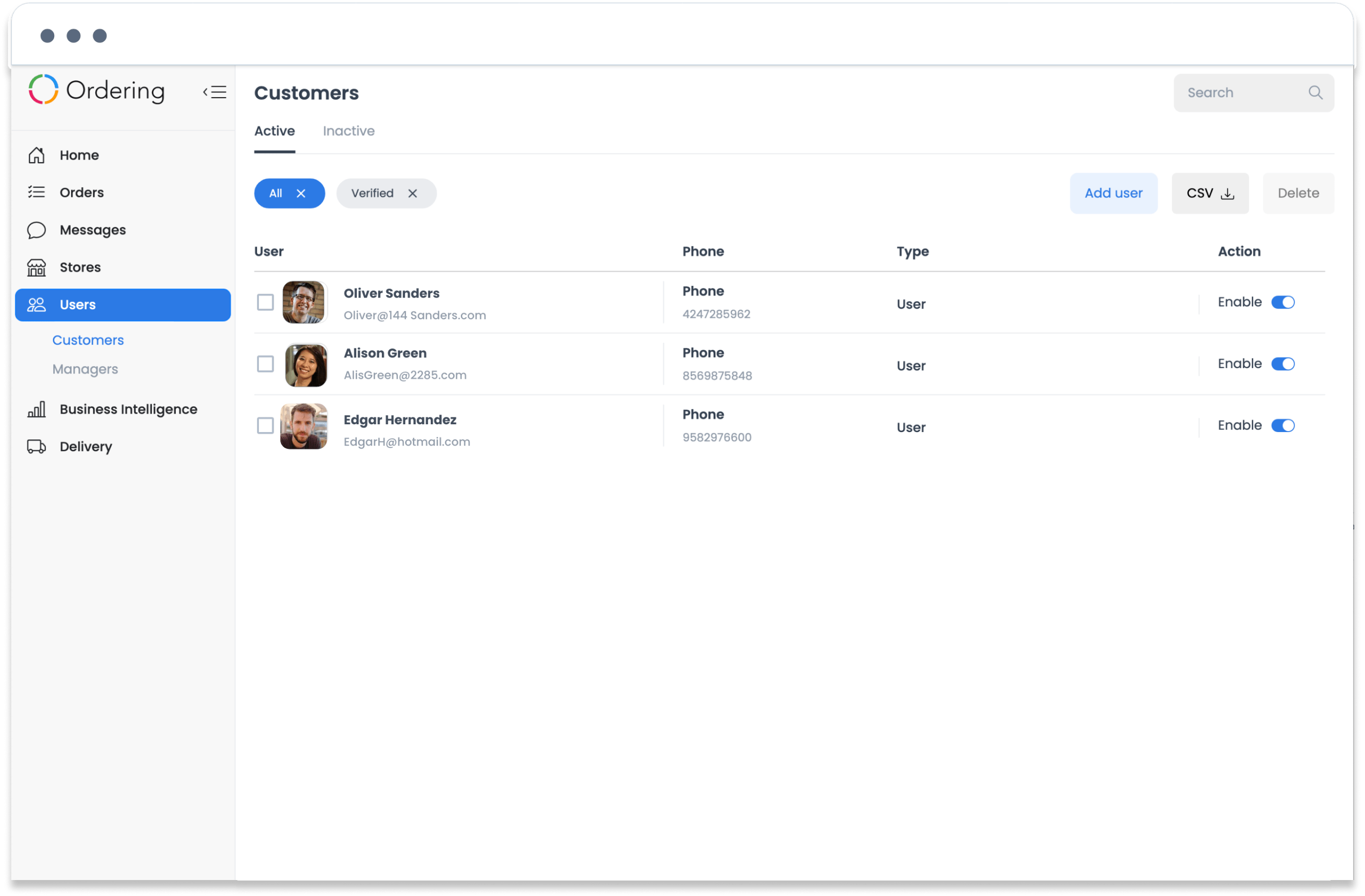
Users: your customer base and team roles
Users lists every customer who created an account on your platform, which makes your community easier to understand and grow.
Create super admins, business owners, and city managers here too. Each user level has its own permissions on the platform.
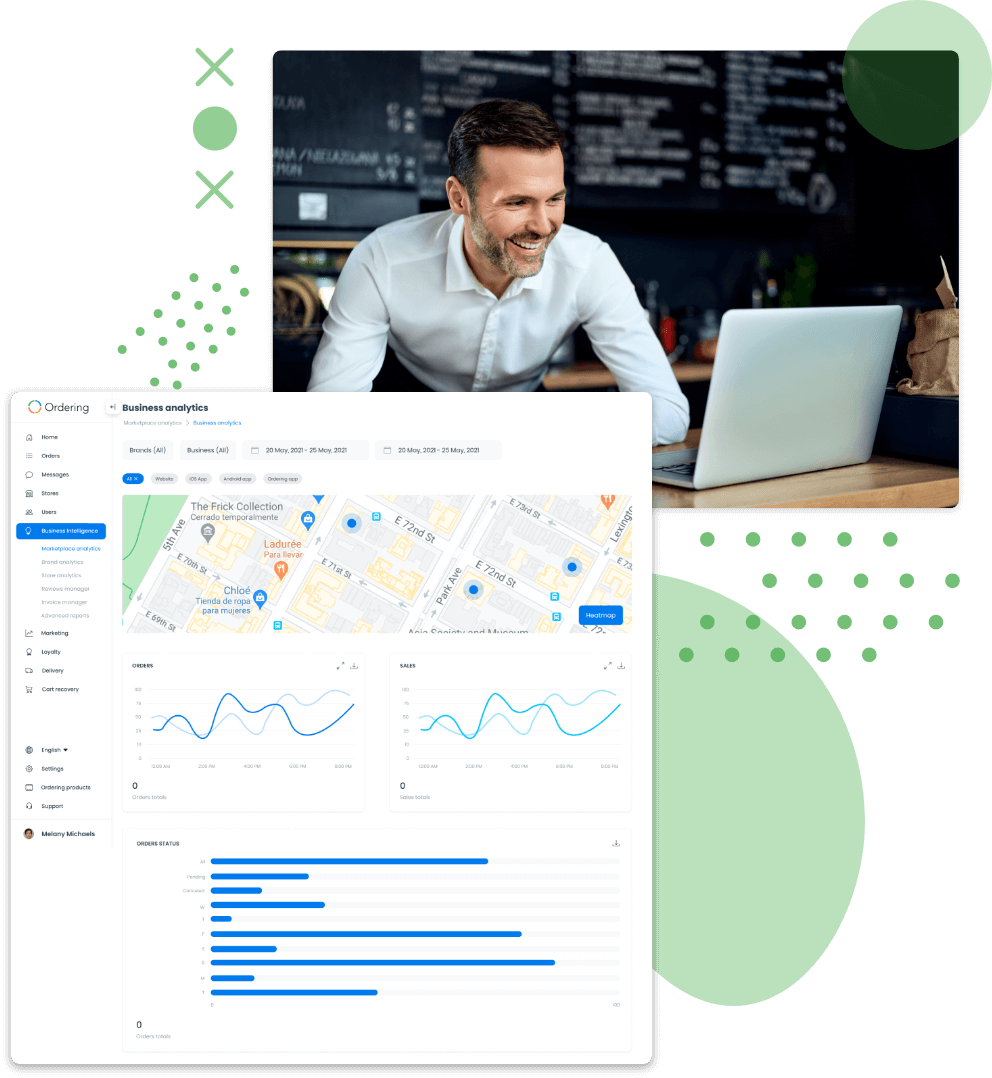
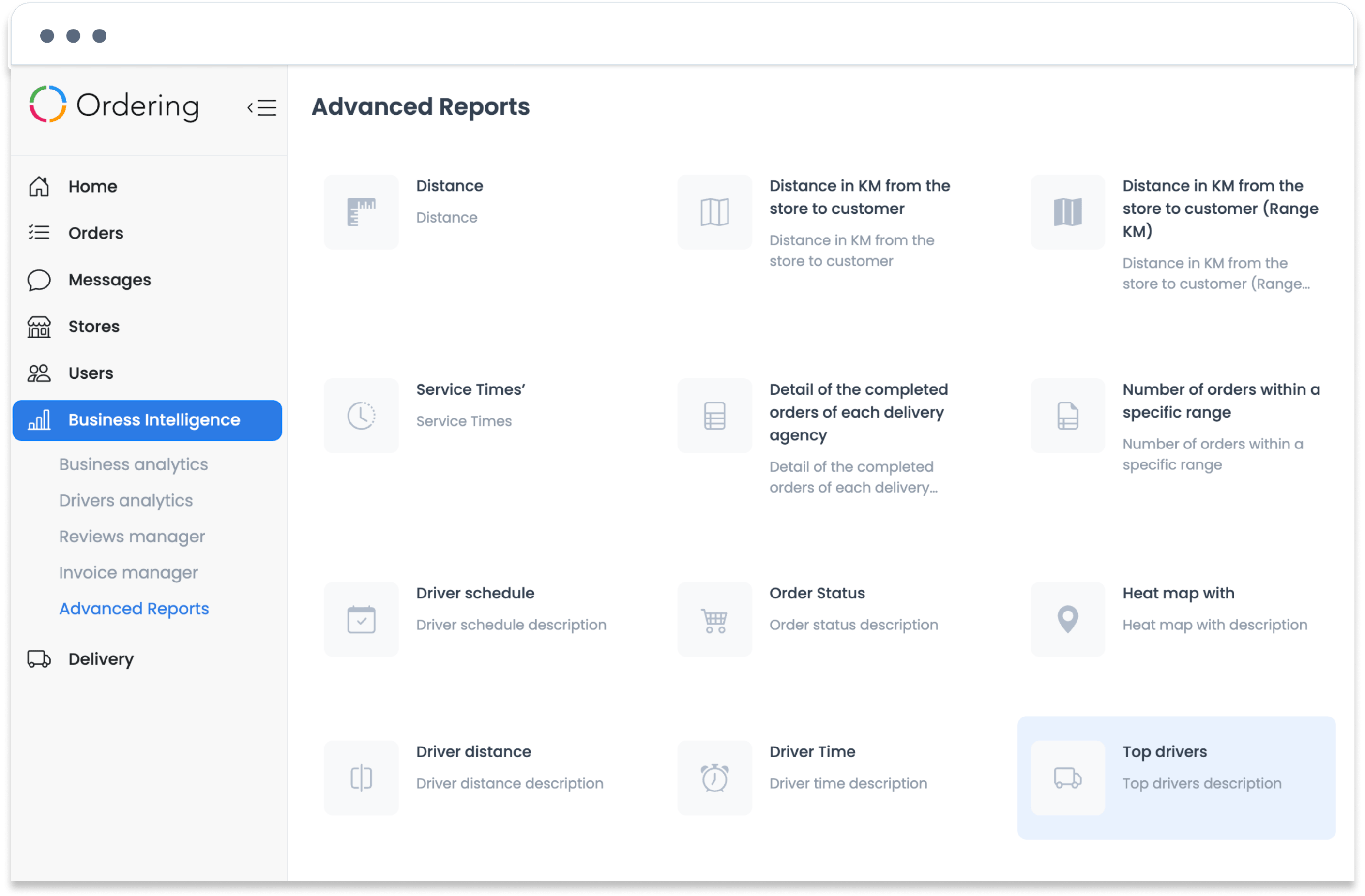
Business Intelligence: reports for your next move
Analytics, reviews, invoices, and reports give your team the information it needs to plan growth from the numbers, not from guesswork.
Delivery: drivers, managers, groups, and companies
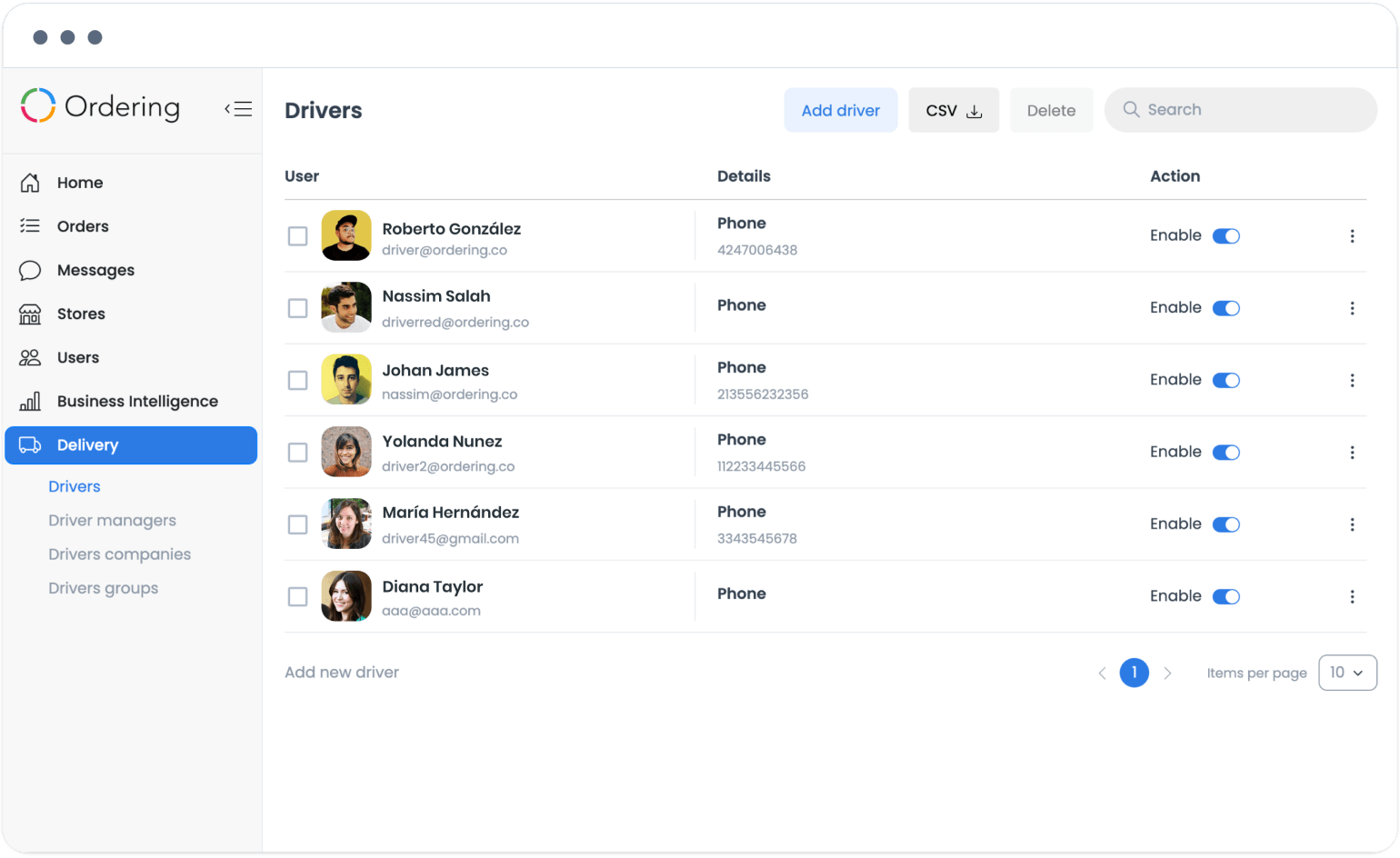
Everything related to delivery and drivers lives here. Create, edit, or remove drivers, driver managers, driver groups, and third-party delivery companies as your operation needs, and connect as many as you need.
Settings: the rules behind the platform
Edit the checkout, configure auto-assign, change currency symbols, update terms and conditions and footer pages, add or remove countries and cities, and replace wording across the whole platform.
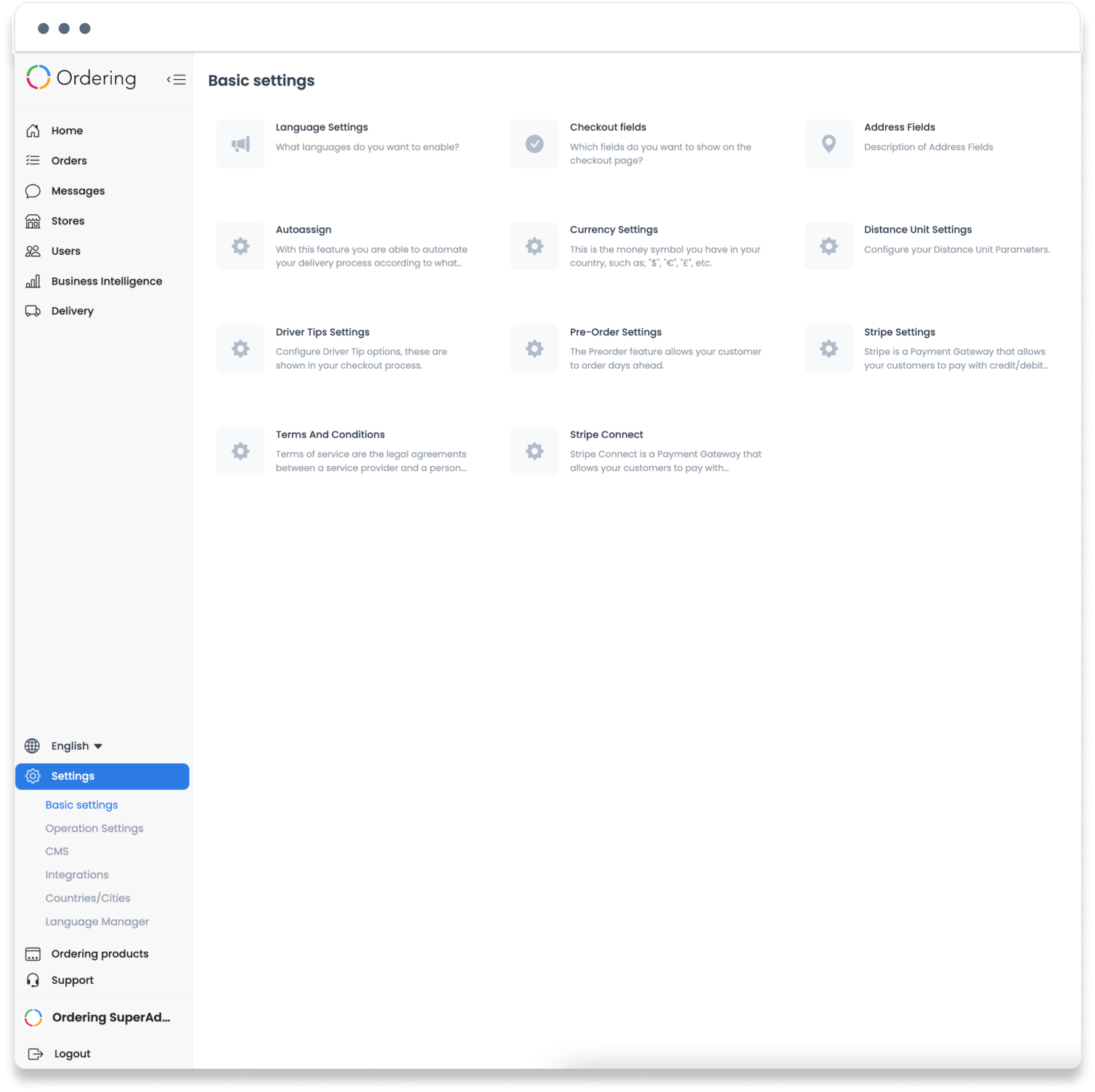
Dashboard screens shown with demo stores and data.
Day to day
Stay ahead of stockouts and order changes.
Low-stock alerts
Get notified when a product runs low or goes out of stock, instead of leaving it listed as available.
Edit a placed order
Change a line item on an order directly from the Orders module rather than canceling and starting over.
More about the Dashboard
See it working with your operation.
Tell us how you sell and deliver, and we will walk through the products and features that fit.