


Unlock the Potential of Gift Cards in Your Software.
Our advanced feature allows you to harness the full potential of gift cards, enabling you to create customized and engaging gift card programs for your business and products.
This is the perfect way to generate loyal and returning customers for your brand; add these to every marketing campaign you release.
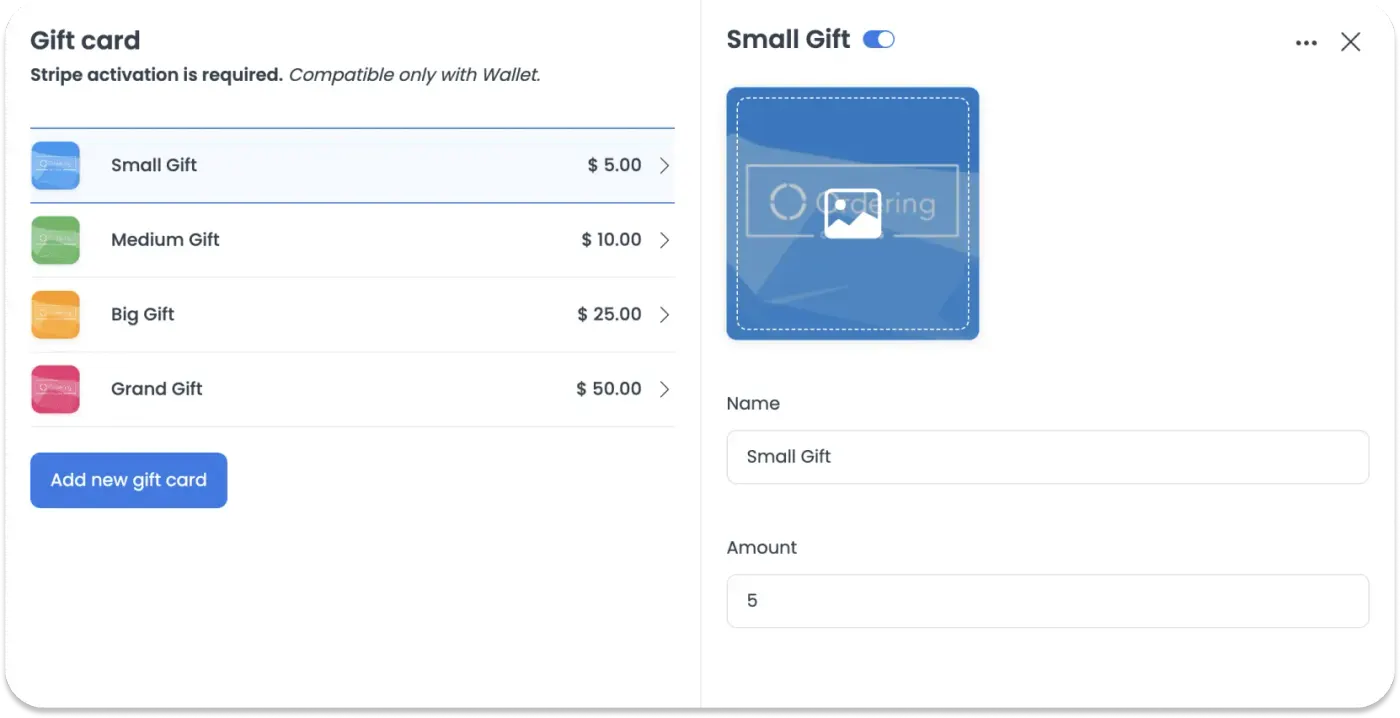
Easily create Gift cards from your dashboard.
Get more loyal customers and increase your revenue easily.
· Customizable Amounts
· Upload your designs
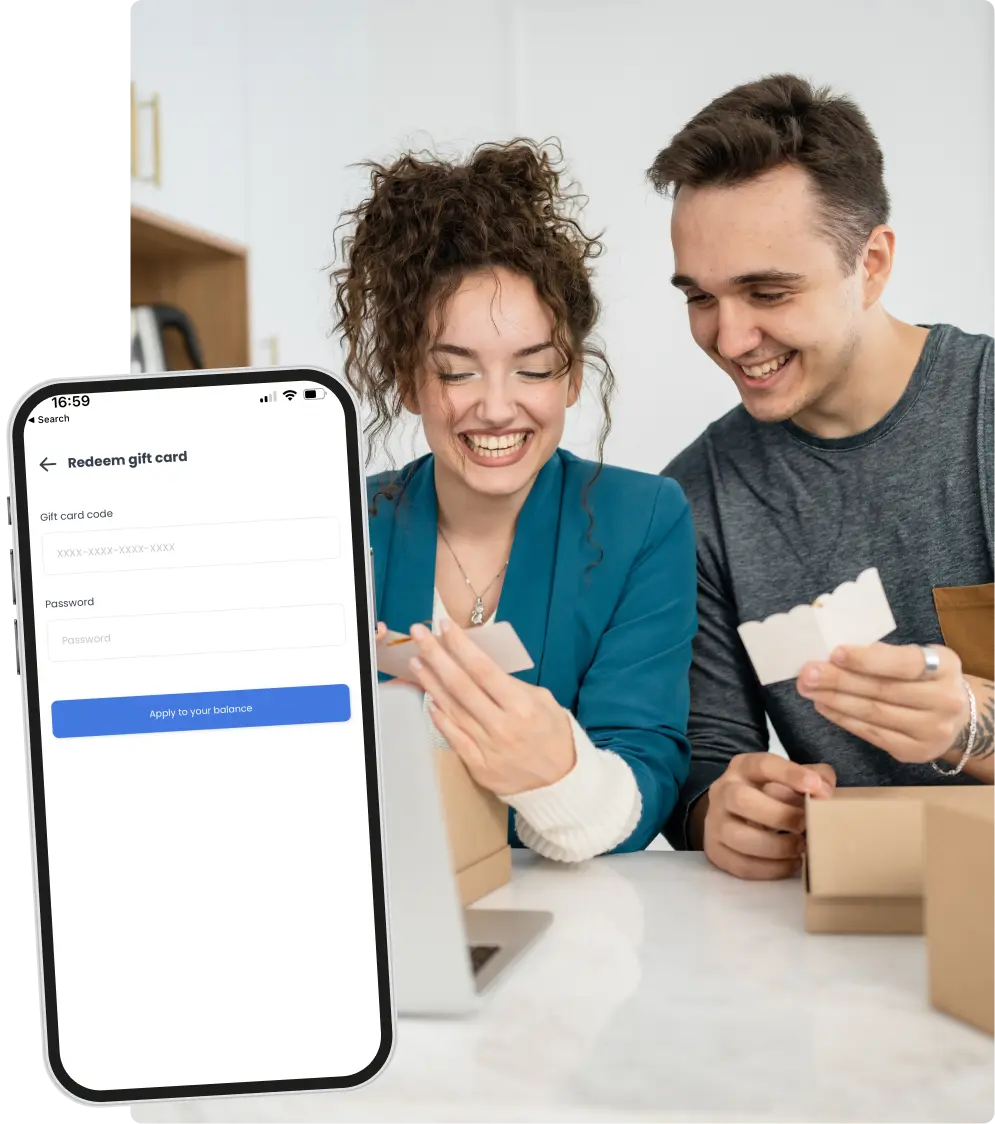
· Easy redemption
Highlights of Gift Cards

Versatility
Gift cards can be used at a wide range of retailers, restaurants, online stores, and service providers, giving the recipient the flexibility to choose what they want.

Personalization
Many gift cards can be customized with a personal message or design, making them a thoughtful and personalized gift option.

Convenience
Gift cards are easy to purchase, eliminating the need for wrapping or shipping physical gifts.

Security
Allow users to put in a private password to redeem the gift cards, making them less susceptible to theft or fraud than cash.

Easy to Redeem
Recipients can easily redeem gift cards in-store or online by simply presenting the card or entering the card's code during checkout.

Great for Distant Gifting
Gift cards are an excellent option for gifting to friends and family who live far away, as they can be sent electronically.

Use cases of this feature.
Imagine this scenario: You can easily set up a compelling gift card offer for a particular product in your inventory, incorporating dynamic conditions and rules.
This empowers your brand to captivate customers and foster long-lasting loyalty by offering them irresistible incentives through personalized gift card rewards.
Keep your customers coming back for more with our cutting-edge gift card feature.
Grow your brand awareness, customer satisfaction, and returning customers swiftly.
How e-gift cards work
Set them up. In the Ordering.co Dashboard, enable the Gift Card feature and configure your cards under Loyalty > Gift Card. You can create as many cards as you like, each with its own brand image.
Customers buy them. On your ordering website or customer app, customers open their wallet, choose Purchase gift card, pick one of the cards you configured, and enter the recipient's details. The recipient receives the e-gift card by email.
Recipients redeem them. The email includes a code and a password. The recipient chooses Redeem gift card, enters them, and the amount appears in their Cash Wallet to spend on their next order.