

Decide how every store shows up in your marketplace.
Each store gets a complete listing with its details, photos, and delivery information. From the Ordering.co dashboard you group stores by business type, label them with ribbons, and feature the ones customers should see first, while customer ratings lift the best stores into a Highest rated row.
Marketplace business listing
What you can do
Complete store listings
Name, address, phone, website, hours, what the store sells, a logo, and photos, kept up to date from the dashboard.
Found by customers nearby
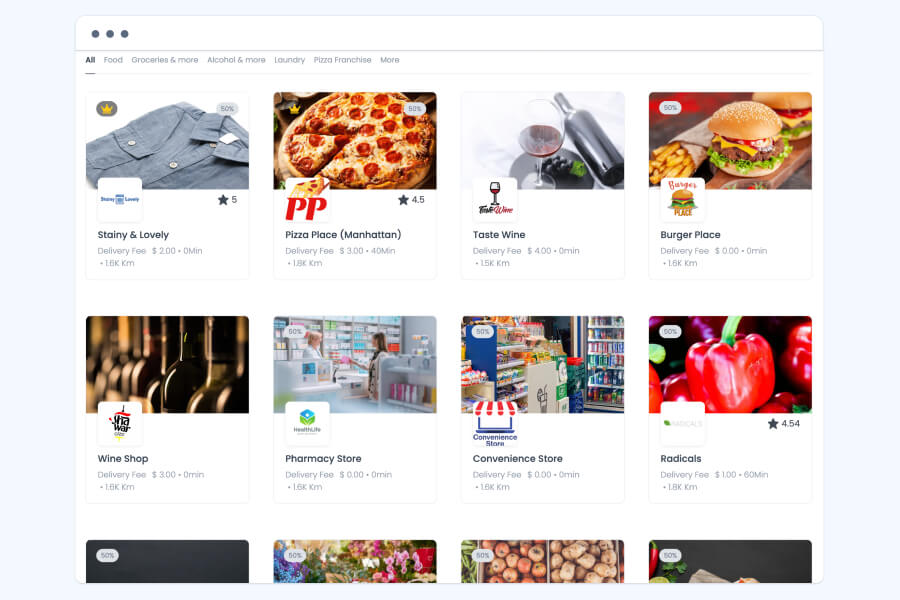
Customers see the stores that take online orders in their area, with the delivery fee, time, and distance on each card.
Business types
Group stores into types such as food, groceries, or laundry, so customers browse by what they need.
Ribbons
Label stores for offers, new arrivals, pricing, or availability, in colors that match your brand.
Featured stores
Give the stores you choose a prominent place, aimed at the customers most likely to order.
Highest rated row
Stores that consistently earn high ratings appear in a Highest rated row on web and app.
Ratings and reviews
Customers rate and review stores and products, giving each store feedback and a visible reputation.
Store signup and approval
Businesses apply to join your marketplace, and you approve them.
Marketplace website and app
A complete listing for every store
A listing is how customers find a store, contact it, and decide whether to order. When customers look for businesses in their area that take online orders, the stores that serve their address appear with the details they need to choose.
- Name, address, phone number, and website
- Opening hours and the products or services the store offers
- A logo and photos of the products, the storefront, or the dining room
- Delivery fee, estimated time, and distance on each store card
- Offers and discounts for online orders, highlighted on the listing
- Details the store keeps accurate and up to date from the dashboard
- Businesses apply to join your marketplace, and you approve them
Dashboard
Business types customers can browse
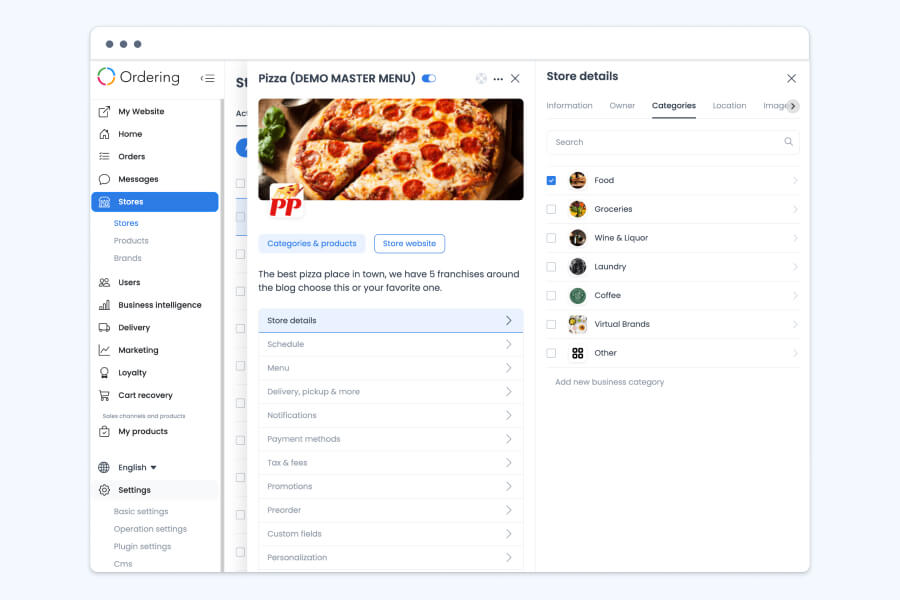
Classify each store by the kind of business it is. Customers go straight to the type they want instead of scrolling through every store, and a marketplace with many kinds of businesses stays easy to navigate.
- Assign one or more business types to each store from its store details
- Create your own types, such as food, groceries, wine and liquor, laundry, coffee, or virtual brands
- Fit any mix of businesses: restaurants, retailers selling clothing, home goods, or electronics, and services such as salons or fitness studios
- Create separate types for regular and wholesale customers, each with its own pricing or promotions
- Inside each store, products and services keep their own categories, and order types such as dine in, pickup, and delivery are set per store
Marketplace website and app
Ribbons that tell customers what is different
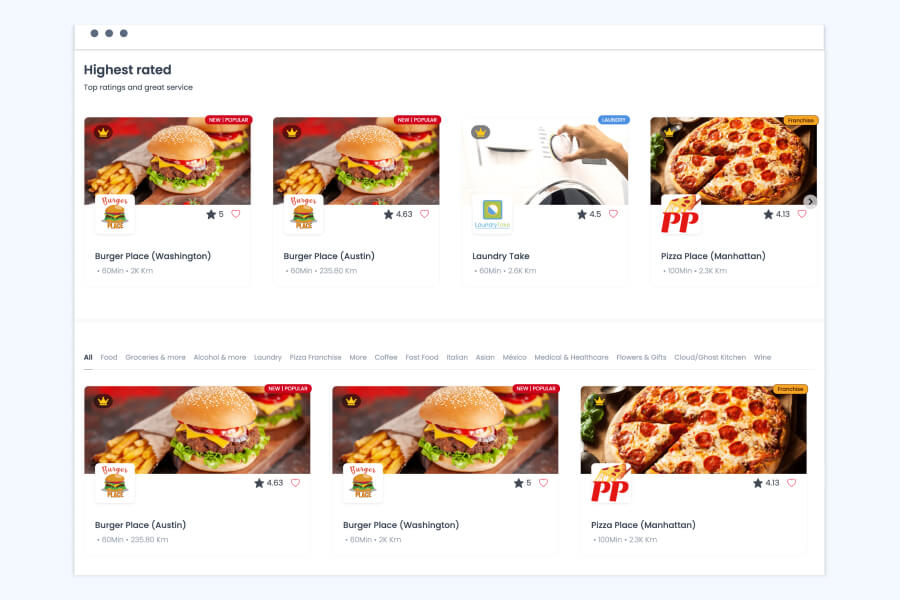
A ribbon is a short label on a store card. Customers see at a glance which stores have an offer, which are new, and what is worth noticing, and the stores you want to promote get more visibility.
- Flag special promotions and pricing, such as a 50% offer
- Announce a new store, or a new product or service
- Show availability and other details that help customers decide before they open a store
- Group stores visually, for example every store with something on sale
- Set each ribbon’s text and color to match your brand
Marketplace website and app
Featured stores, placed where customers look first
Choose the stores that get a prominent place on your marketplace. A featured store reaches customers who are already browsing to order, which helps it win new customers and be remembered the next time they order.
- A prominent place on the marketplace for the stores you choose
- Targeting by demographics such as age, location, and interests
- Credibility with customers who do not know the store yet
- Brand awareness that brings customers back to the store
- A more cost-effective way to reach many customers than traditional advertising such as TV or radio
Marketplace website and app
A Highest rated row that rewards great service
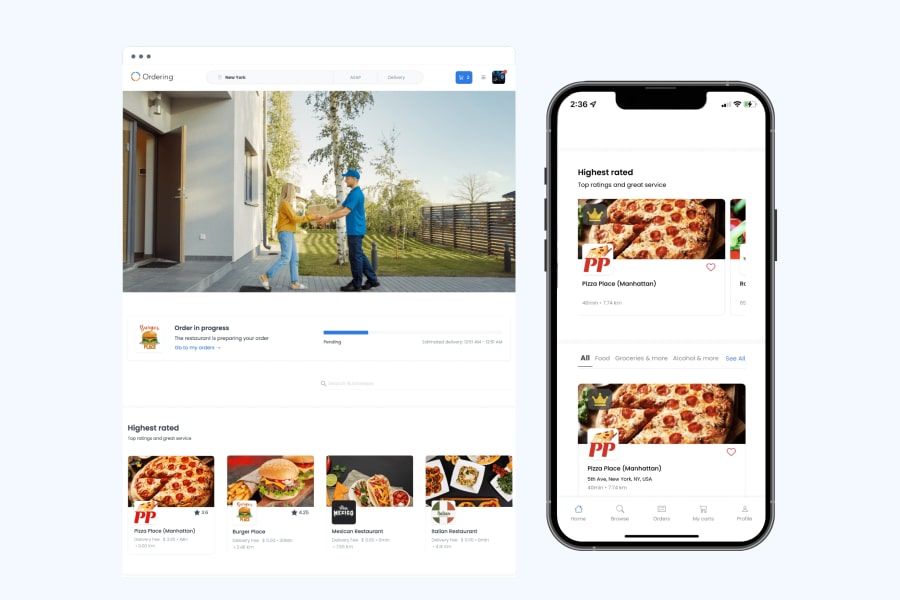
Customers rate and review stores and products after they order. Stores that earn high ratings consistently appear in the Highest rated row, under Top ratings and great service, so new customers choose with confidence and the best stores stand out.
- Customers rate and review both stores and products
- Reviews, positive and negative, give each store feedback to act on
- Stores reply publicly to a review, so the response appears alongside it
- The Highest rated row appears on your marketplace website and in your customer app
- Remind customers to rate their experience after they order, or offer an incentive such as a discount or special offer
- Help your stores earn the spot by consistently delivering quality products and service
Good to know
- Business types, ribbons, featured stores, and the Highest rated row are part of marketplace experiences, where many businesses sell on one platform.
- A store’s place in the Highest rated row follows the ratings its customers give.
Related
See all featuresSee how it fits your operation.
Start a free trial, or walk through your setup with the Ordering.co team.