
Third-party delivery companies

Assign deliveries to your third-party fleets, not just your own drivers.

Delivery Companies lets you route tasks to outside fleets, track them in real time, and keep backup coverage ready for the days your own drivers can't keep up.

Ordering.co delivery companies dashboard

Highlights of Delivery Companies

Three ways the feature keeps outside fleets accountable.

01Task assignment icon

Efficient Task Assignment

The feature allows for seamless assignment of delivery tasks to specific delivery companies based on real-time criteria.

02Real-time tracking icon

Real-Time Tracking

Users can monitor deliveries in real-time, enabling both delivery companies and customers to track the progress of their deliveries with accuracy and transparency.

03Route optimization icon

Route Optimization

Google Maps calculates traffic to sharpen delivery estimates and help group orders.

Company records

Give every delivery company its own record.

Add a record for each delivery company you work with, then set the details that decide how it fits into your operation.

Where you use it: Dashboard, Delivery → Delivery Companies

Company details

Name, address, and timezone
Enter the company name, its address, and the timezone used for its configuration.
Capacity limit
Set a limit that helps manage how much concurrent delivery work the company can take on.
Priority
Choose Low, Normal, High, or Urgent, so you control which configured company is preferred when more than one is eligible.
Enable or disable
Turn a company record on or off from the list without deleting it.

Availability schedule

7-day availability windows
Set the days and hours when the company is expected to be available — useful when an outside partner only supplements your own fleet during certain hours.
A record of intended availability
A saved schedule records when the company should be considered available; confirm provider capacity and Driver assignment separately before you rely on it for a delivery.

Why it matters

  • Coverage you can plan aroundCapacity, priority, and schedule turn a list of delivery companies into records you can plan coverage with, instead of settings configured once and forgotten.
  • One list your team can trustReviewing name, address, timezone, and enabled state keeps the list in Delivery Companies accurate for whoever assigns the next order.

Provider handoff

Send each provider the events it needs.

Configure the webhook destinations a delivery company uses for a new order, a cancellation request, and status changes, alongside the API key tied to that configuration.

Where you use it: Dashboard, Delivery Companies → Webhooks tab

Webhook destinations

New order webhook
A destination configured to receive the details of a new order handed to the company.
Cancel request webhook
A destination configured to receive a cancellation request for an order already handed to the company.
Order status changed webhook
An optional destination configured to receive delivery-status changes as the provider reports them.
API key
A credential associated with the delivery-company configuration, kept as private as any other webhook destination.

Why it matters

  • One handoff, recorded onceSaving the webhook destinations and API key together keeps the handoff configuration in one place instead of scattered settings.
  • Status changes reach your teamAn order-status webhook lets delivery-status changes reach your systems as the provider reports them.

Operational efficiency

A more reliable delivery service, without adding headcount.

Resulting in a more seamless and reliable delivery service that meets customer expectations consistently.


  • Coverage stays consistent even on days your own fleet is stretched thin.
Delivery operations illustration
Centralized delivery management illustration

Centralized management

Keep every delivery partner inside one operational view.

Businesses can streamline operations, reduce overhead, and maintain control over their delivery services effectively.

  • One place to manage your own drivers and every connected delivery company.
Delivery companies feature illustration

Use cases of this feature

When your own fleet runs out of hands, backup companies step in.

Consider this: it's a busy day, and you only have so many drivers to cover the daily deliveries — that's when your backup delivery companies come into play.
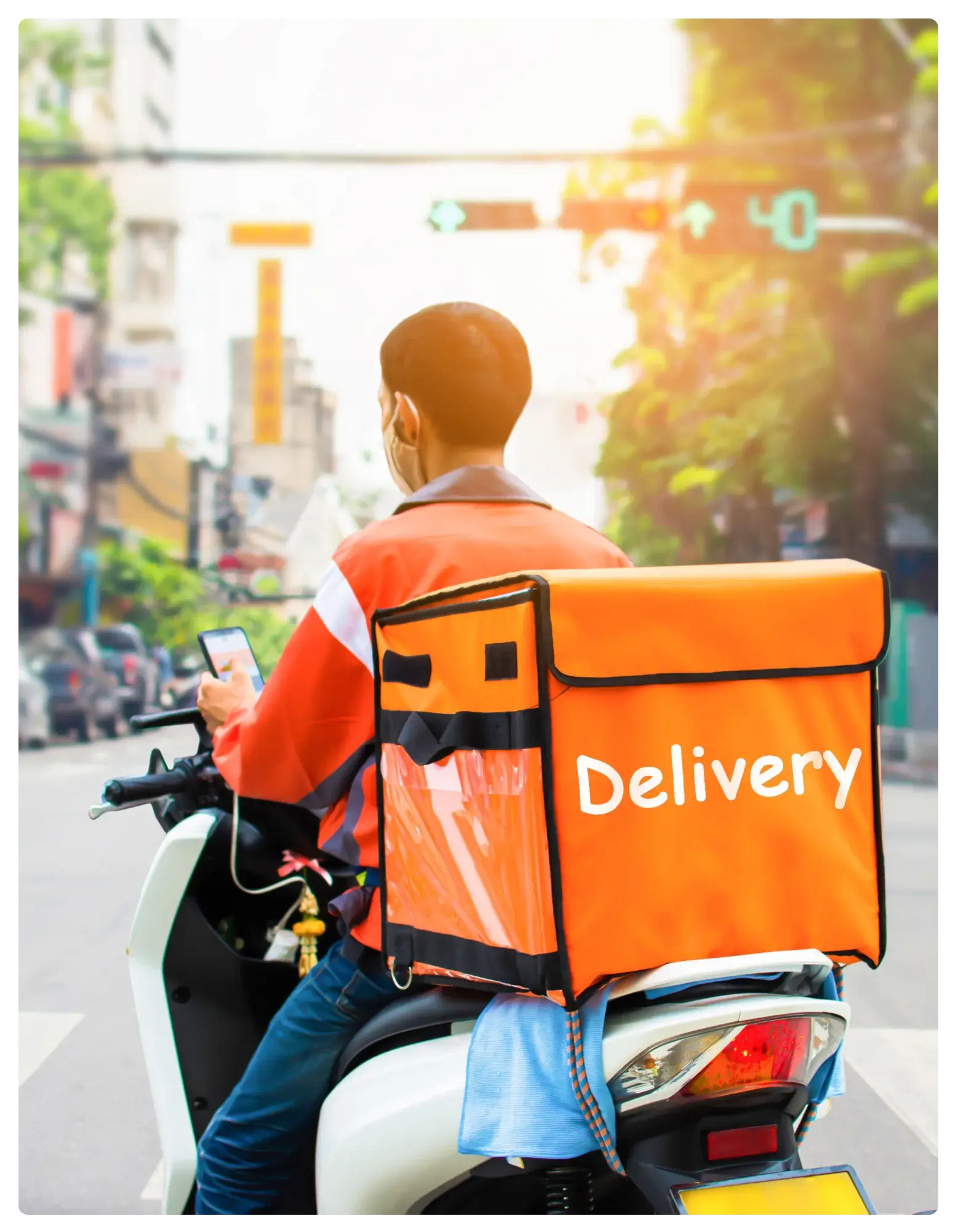
Which delivery companies should be part of your backup coverage? Which real-time criteria decide who gets the task?
Delivery companies feature illustration

Give backup fleets a real role

Turn third-party delivery companies into a planned part of your operation.

Start with how your business already relies on outside fleets, then confirm the assignment rules and reporting your team needs.

Talk to Ordering.co

See delivery companies fit inside your operation.

Tell us how your business works with third-party fleets today.

Product guide: Delivery companies