

01
Group assignment
Organize delivery assignments around preferences defined for each group.
Delivery operations
Use driver groups to organize the assignment logic behind different delivery workflows, then define the rules your team needs to operate with confidence.
Availability, assignment criteria, routing behavior, and reporting depend on the selected products, configuration, integrations, and delivery services.
A deliberate assignment model
Groups give operations teams a way to frame delivery assignment around the conditions that matter to their model. Set the criteria and behavior that fit your delivery operation.
Start with the operational distinctions your delivery team needs to recognize.
Document which order and driver conditions should be considered for each group.
Validate assignment behavior, exceptions, integrations, and ownership before you go live.
Decide which group activity and delivery outcomes your operation needs to review.
Capability areas
Use these areas to plan how driver groups support assignment, visibility, and operating decisions for your delivery setup.
Organize delivery assignments around preferences defined for each group.

Plan how drivers may be allocated or reallocated as operational needs change.

Define the relevant driver qualifications or conditions for a delivery workflow.

Consider where grouping rules may inform the routing and delivery services in use.

Identify which activity and delivery outcomes require operational review.

Account for delivery types or customer needs when designing group rules.
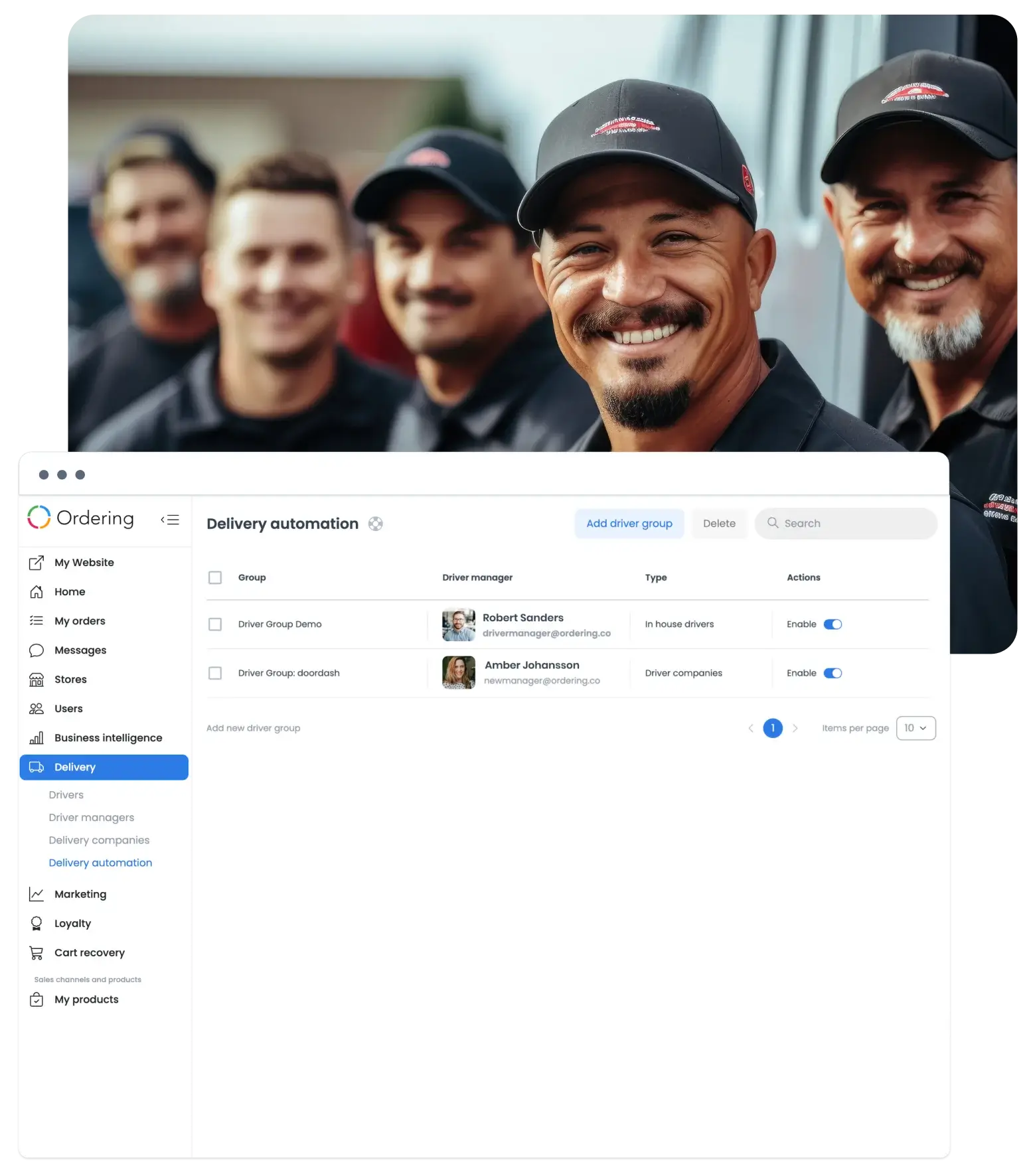
The operations view
Driver Groups can inform the operational view of assignments and coverage. Agree on the conditions, exceptions, and reporting needs before the workflow is configured.
Configuration questions
Choose grouping criteria that fit your delivery model, such as brand, payment method, service area, or team responsibility.

Designed around the operation
Start with how your operation assigns work today, then review the delivery rules and services your setup needs.
Talk to Ordering.coTell us how your teams group drivers, handle delivery differences, and review the work that follows.