

Make every screen look like your brand.
Add your logo, choose your colors, and arrange your store's layout on the customer-facing site, then remove Ordering.co's own branding from the Dashboard your team uses every day.
Branding and dashboard theme
What you can do
Logo and colors
Add your logo and choose a color scheme across your ordering website and app.
Layout control
Arrange your menu and order-form layout from Dashboard settings.
Visual builder
Change the design yourself from a drag-and-drop interface, without writing code.
Branded Dashboard
Remove Ordering.co's own branding from the Dashboard your team logs into.
Your own design resources
Swap in the visual elements that give your team a sense of working inside your own brand.
Website and customer app
Your ordering site, in your brand
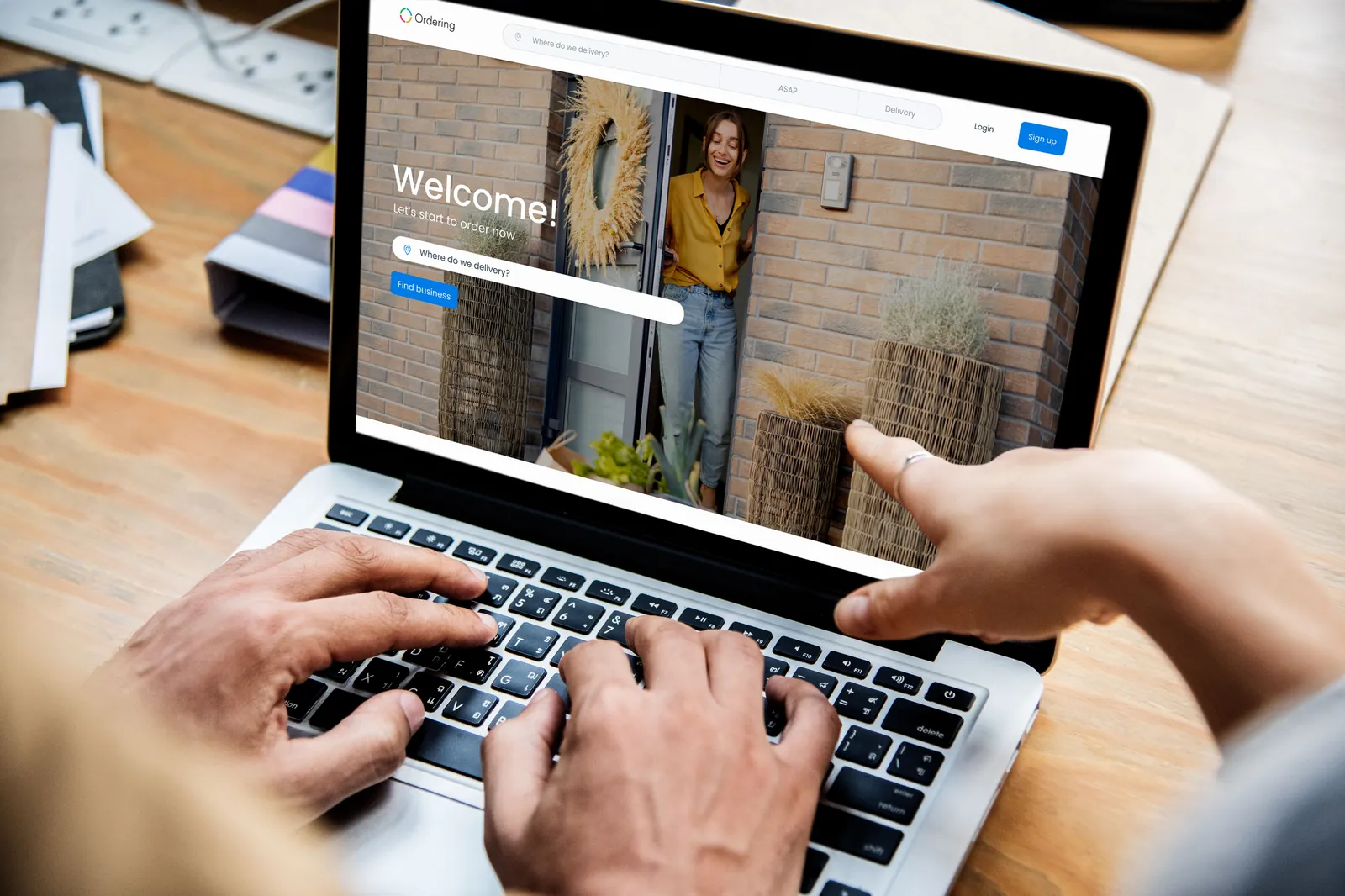
Your ordering website and app can carry your brand from the first screen to checkout: your logo, your colors, and a layout you choose, changed yourself without writing any code.
- Add your logo
- Choose a color scheme that matches your brand
- Arrange the layout of the menu and the order form
- Change the design yourself from a drag-and-drop builder, without writing code
Dashboard
A Dashboard that looks like your business, not ours
The Dashboard your team logs into every day can carry your brand too, not only the customer-facing site.
- Remove Ordering.co's own branding from the Dashboard
- Swap in your own visual design resources so your team recognizes your brand while they work
- No coding required to change how the Dashboard looks
Good to know
- Dashboard branding changes how your team's tools look. For a fully white-labeled product under your own name, see White label.
Related
See all featuresSee how it fits your operation.
Start a free trial, or walk through your setup with the Ordering.co team.