

What needs a response now?
Define the order issues that require immediate attention from the support team.
Support operations
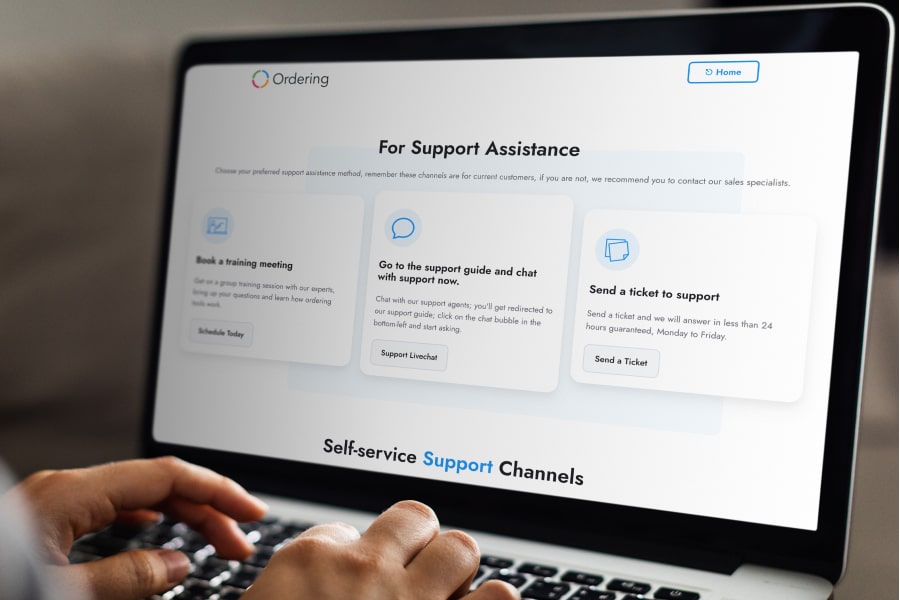
Use a ticketing workflow to capture customer questions, organize the work behind them, and keep the response connected to the order experience.
A visible workflow
A support ticket is a unit of work, not just a message. It gives the team a way to recognize the issue, decide who owns it, and follow it through.
Give a customer request a clear place to enter the support workflow.
Group the request so the team can see what it concerns and how urgent it is.
Use the request context to decide which work needs attention first.
Keep the conversation tied to the issue until the team can close the loop.
Order context
When a customer reports a missing confirmation or another ordering problem, the support team needs enough context to investigate without losing the customer’s request in an unstructured inbox.
Queue design
Categories and priority levels help support teams differentiate urgent order problems from feedback and follow-up work.
Define the order issues that require immediate attention from the support team.
Route the ticket to the team responsible for the next operational action.
Use recurring questions and feedback to identify where the ordering journey needs attention.
Start with the customer issues your team needs to capture, prioritize, and resolve.