

Know every order reached the right person.
Drivers confirm each handoff in the Ordering.co Driver app with a PIN code, a photo, a video, or the customer’s signature. The confirmation stays with the order, so customers know their order arrived and your business has evidence if a delivery is ever questioned.
Proof of delivery
What you can do
PIN code
Drivers confirm the handoff with a PIN code.
Photo
Drivers take a photo of the order as it is received.
Video
Drivers record a short video of the order as it is received.
Electronic signature
The customer signs on screen with a finger or a stylus. No paper, no shared pen.
Drop-off location check
Drivers cannot mark an order delivered away from the customer’s address, within a distance in meters you set.
Order status to delivered
Each order has its own number, and customers follow its status on your website or app until it is delivered.
A saved delivery record
The confirmation stays with the order, ready as evidence against fraud and chargebacks.
Driver app
A PIN code, a photo, a video, or a signature
Each method records that the order reached its intended recipient, not only its address. Drivers collect the confirmation your delivery flow asks for as part of completing the order.
- PIN code: the handoff is confirmed with a code
- Photo: the driver photographs the order as it is received
- Video: the driver records a short video of the order as it is received
- Signature: the customer signs for the order on screen
- Delivery confirmation: the order is marked delivered at the customer’s specified address
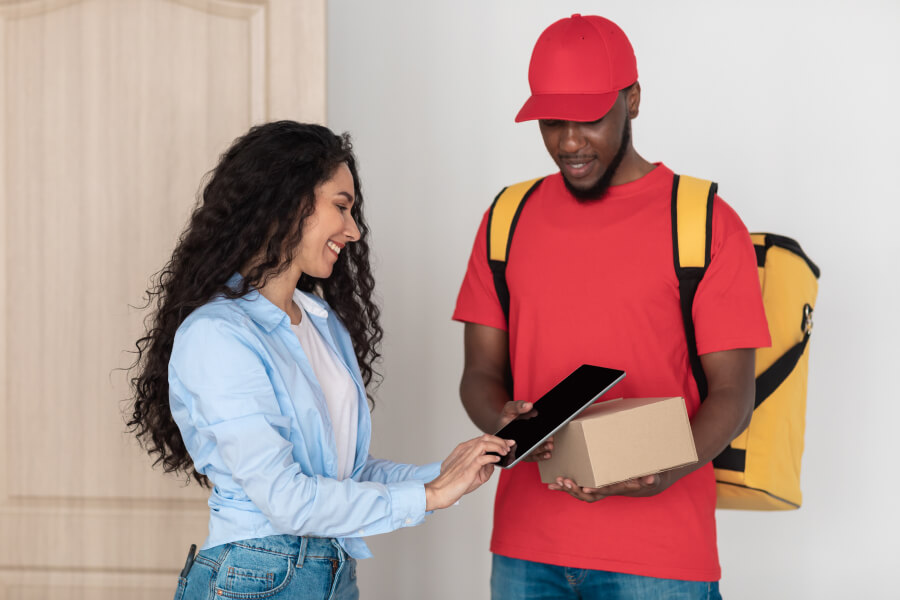
Driver app
Signatures without paper
When a delivery needs a signature, the customer is prompted to sign on the mobile device at the door, with a finger or a stylus. No paper slip changes hands, which protects the health and safety of customers and drivers and keeps the handoff quick.
- Confirms the right person received the order
- Signed on screen with a finger or a stylus
- Saved securely with the order for future reference
- Fewer steps at the door, so drivers move on to the next delivery sooner
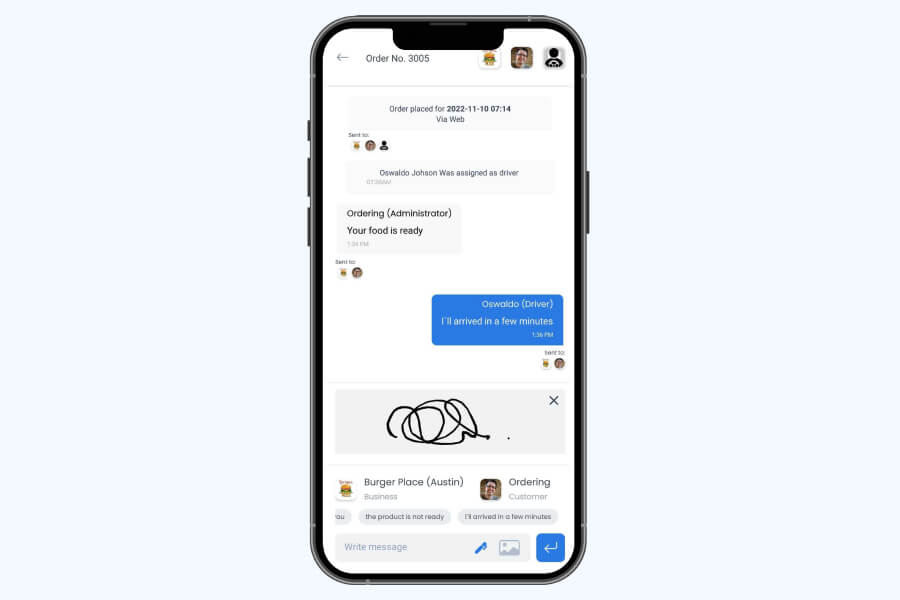
Driver app
Delivered where the customer asked
Proof of delivery confirms the order reached the address the customer gave. Location checks cover both ends of the trip: drivers must be at the customer’s address to mark an order delivered, and at the store to mark it picked up.
- Delivery confirmed at the customer’s specified address
- Drop-off check within a distance in meters you set
- Pickup check, so an order cannot be marked picked up away from the store
- Order status updates as the driver reaches the store and the customer
One record for your customer and your business
Every confirmation stays with the order. Customers get reassurance that the order arrived and that their payment went through, and your business can show that it delivered what it was paid for.
- Customers follow the order by its number and see when it is delivered
- Reassurance for customers that the order was received and the payment processed
- Evidence against fraud and scams, for customers and for your business
- Evidence when you respond to a fraudulent chargeback
- Confirmation that orders reach the correct location and that your business is paid for what it delivers
How it works
From the door to a closed order.
- 01Set the confirmation
Choose in the Driver app settings which confirmation your drivers collect at the door.
- 02The driver arrives
With the drop-off check on, the app lets the driver mark the order delivered only at the customer’s address.
- 03The customer confirms
The driver collects the PIN code or the customer’s signature, or takes a photo or a short video of the order as it is received.
- 04The order closes with its proof
The order is marked delivered, the customer sees the update, and the confirmation is saved with the order.
Good to know
- Proof of delivery is captured in the Ordering.co Driver app, for deliveries made by drivers who use it.
- A delivery record supports your case in a dispute. The outcome of a chargeback is decided by the payment provider.
Related
See all featuresSee how it fits your operation.
Start a free trial, or walk through your setup with the Ordering.co team.