Customer story · Restaurant brand

Self-ordering kiosks, tested at the airport first.

Burger King Mexico trialed Ordering.co self-ordering kiosks at an airport location. After the trial, it deployed the kiosks across multiple stores and extended ordering online.

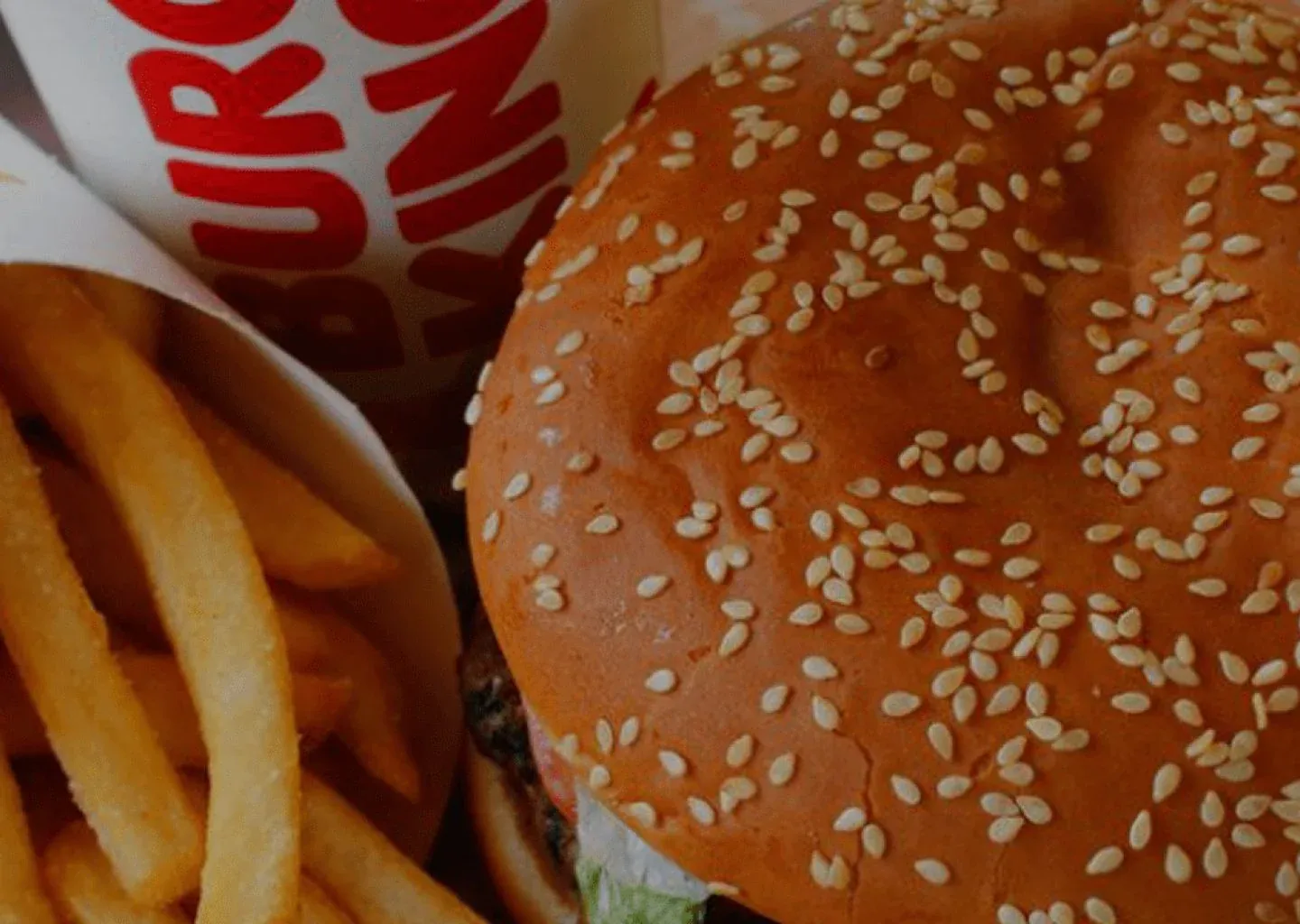
A Burger King sesame-seed burger next to fries and a Burger King cup
Market
Mexico
Business type
Fast-food chain
First location
Airport trial
Channels
Self-ordering kiosk · Web ordering

The operating context

A kiosk trial in a busy, compact space.

Burger King Mexico wanted to improve the guest experience and simplify in-store ordering by introducing self-ordering kiosks.

It started with a trial at an airport location, where space and guest traffic posed their own challenges, and planned to measure the results before expanding to other stores.

What Burger King Mexico needed

  • A kiosk that guests find easy and intuitive to use.
  • A compact design that works in a busy airport location with limited space.
  • A way to evaluate the trial on sales, operational efficiency, and guest satisfaction.
  • Integration with its existing systems and processes.

How it connects

From the kiosk screen to the restaurant.

Guests order at the kiosk or online. Ordering.co connects those orders to Burger King's existing systems and gives the team the data to decide where to expand.

  1. Guests order from

  2. Ordering.co runs

  3. Stores

What they built

The surfaces behind Burger King Mexico's kiosks.

Self-ordering kiosk

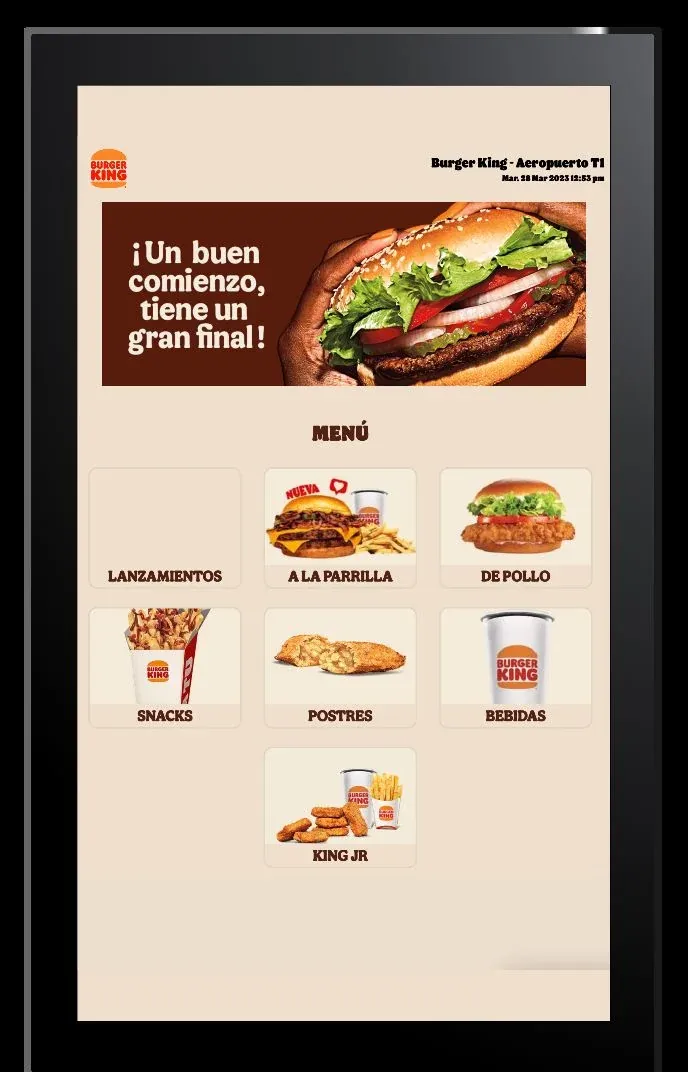
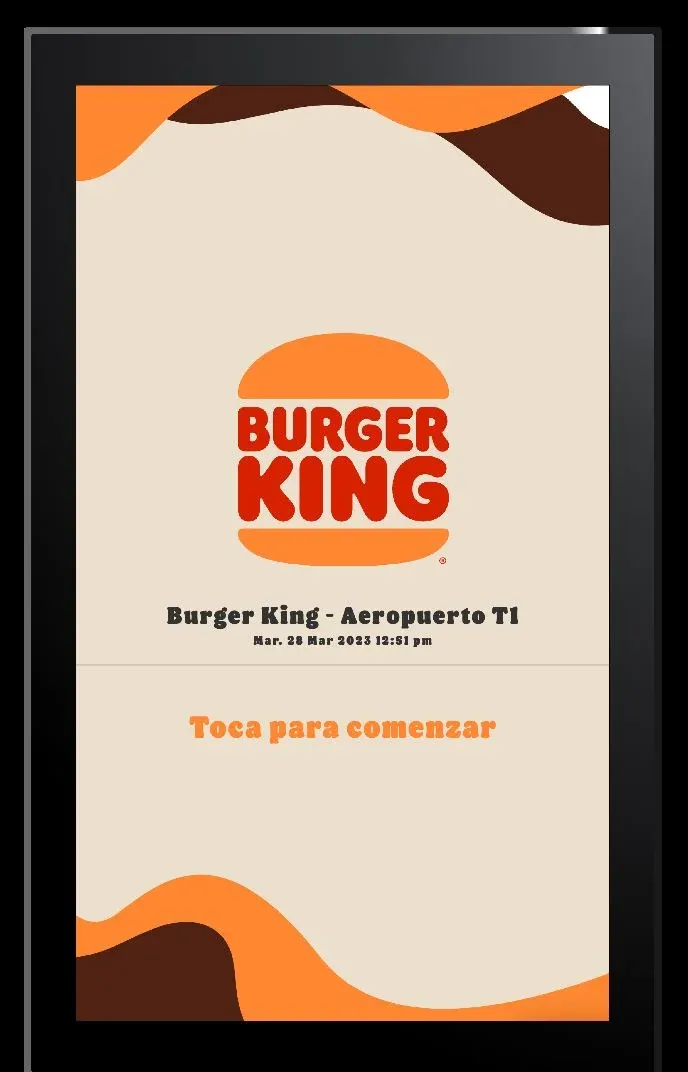
A kiosk interface where guests tap to start, browse the menu by category, and place their own order.

  • A simple, intuitive flow for guests.
  • A compact design for busy airport locations with limited space.
  • Integration with Burger King's existing systems and processes.
Explore Ordering Kiosk
Burger King kiosk welcome screen for the Aeropuerto T1 store, with a prompt to tap to start
Burger King kiosk menu with categories such as grilled, chicken, snacks, desserts, drinks, and King Jr

Combos and add-ons

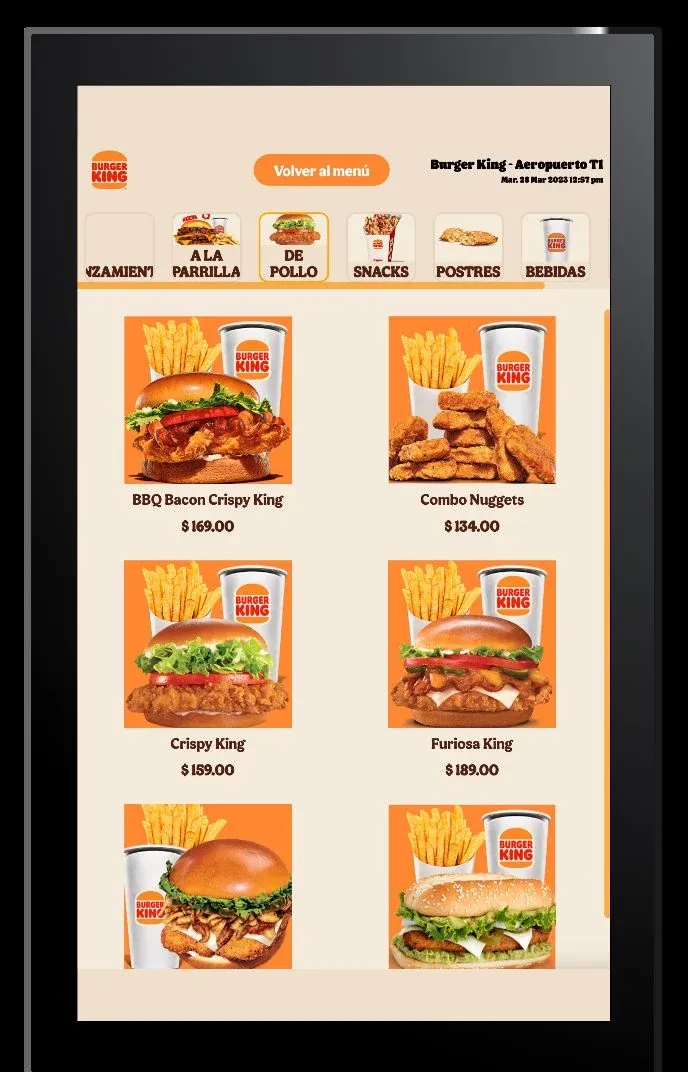
Guests see each combo with its photo and price as they build their order, which gives the kiosk room to suggest add-ons.

  • Combos grouped by category.
  • Up-selling and cross-selling as guests order.
  • Tools and analytics to follow how the trial performed.
Explore the self-ordering kiosk
Burger King kiosk chicken category with combos such as BBQ Bacon Crispy King, Combo Nuggets, and Crispy King, with prices

Online ordering

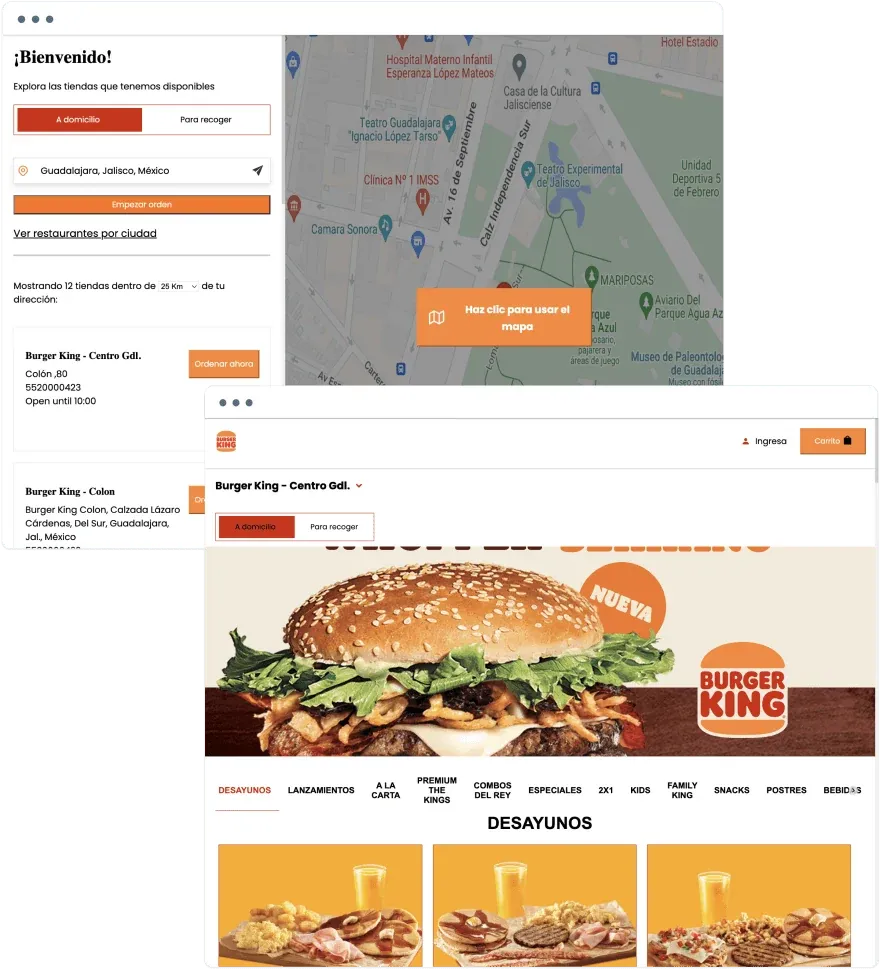
An ordering website extends the experience beyond the kiosks. Guests find a nearby store, choose delivery or pickup, and browse the full menu.

  • Online ordering beyond in-store kiosks.
  • Marketing and loyalty tools to encourage repeat visits.
Explore Ordering Web
Burger King ordering website with a store finder map in Guadalajara and a store menu set to delivery

Results

What changed for Burger King Mexico.

  • More sales

    The kiosks encouraged guests to order more often and more conveniently.

  • Less time on routine tasks

    Employees spent less time on operations and could focus on customer service.

  • More add-ons per order

    The kiosks made it easier to up-sell and cross-sell.

  • More satisfied guests

    Guests found the kiosk a convenient way to order.

How the project ran

From one airport location to more stores.

  1. Airport trial

    Burger King Mexico launched the kiosks at an airport location first.

  2. Evaluation

    The team used Ordering.co tools and analytics to assess sales, operational efficiency, and guest satisfaction.

  3. Rollout

    After the successful trial, Burger King Mexico deployed the kiosk software across multiple locations.

Planning a kiosk trial before a wider rollout?

Tell us about your locations, menu, and systems, and we'll show you how Ordering.co kiosks fit.