

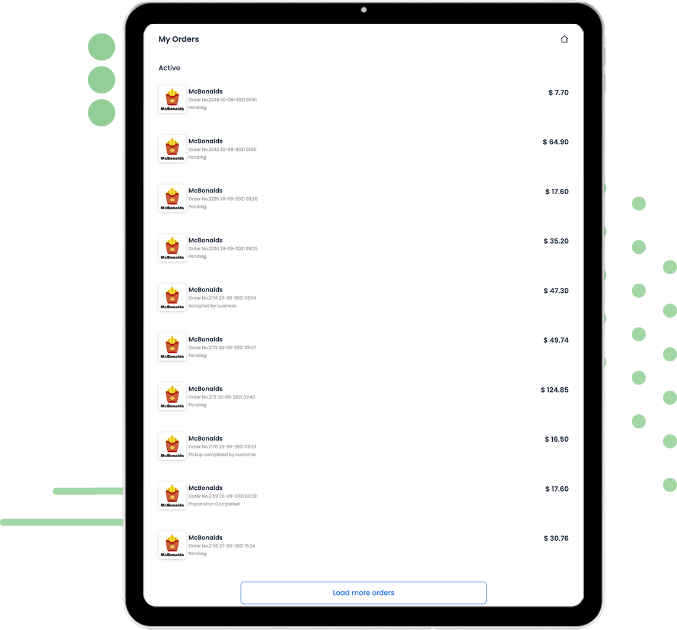
Keep track of every movement
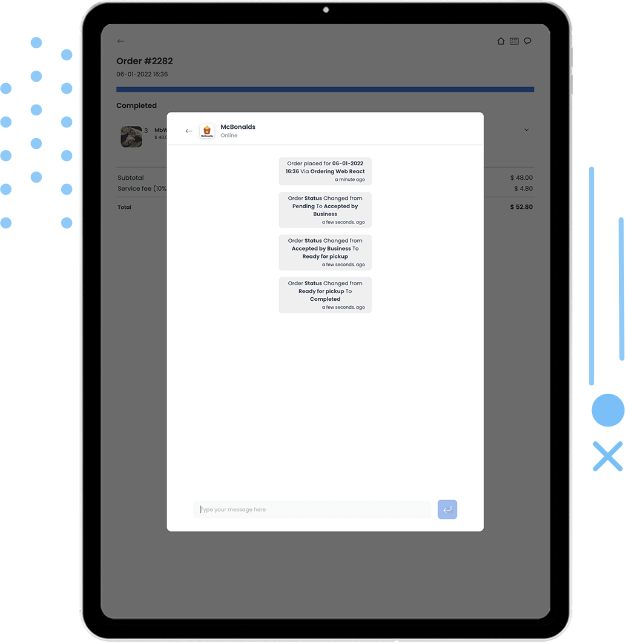
Every time the order changes status, your customers receive a push notification right to their mobile device, until the order is completed.
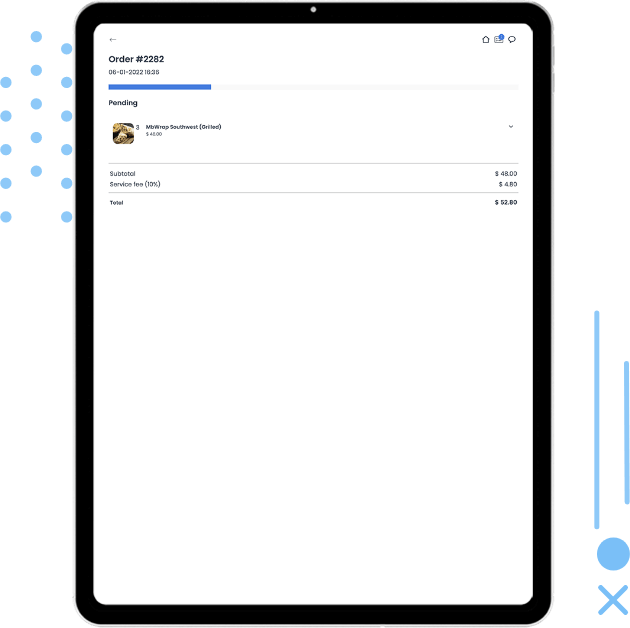
Available for Android & iOS
Innovate and grow every day. Give customers flexible ways to buy from your business — covering pickup, eat-in, curbside, and drive-thru — so they always find the option they're looking for.
Available order types, payment gateways, and notifications depend on the products and integrations selected for your setup.
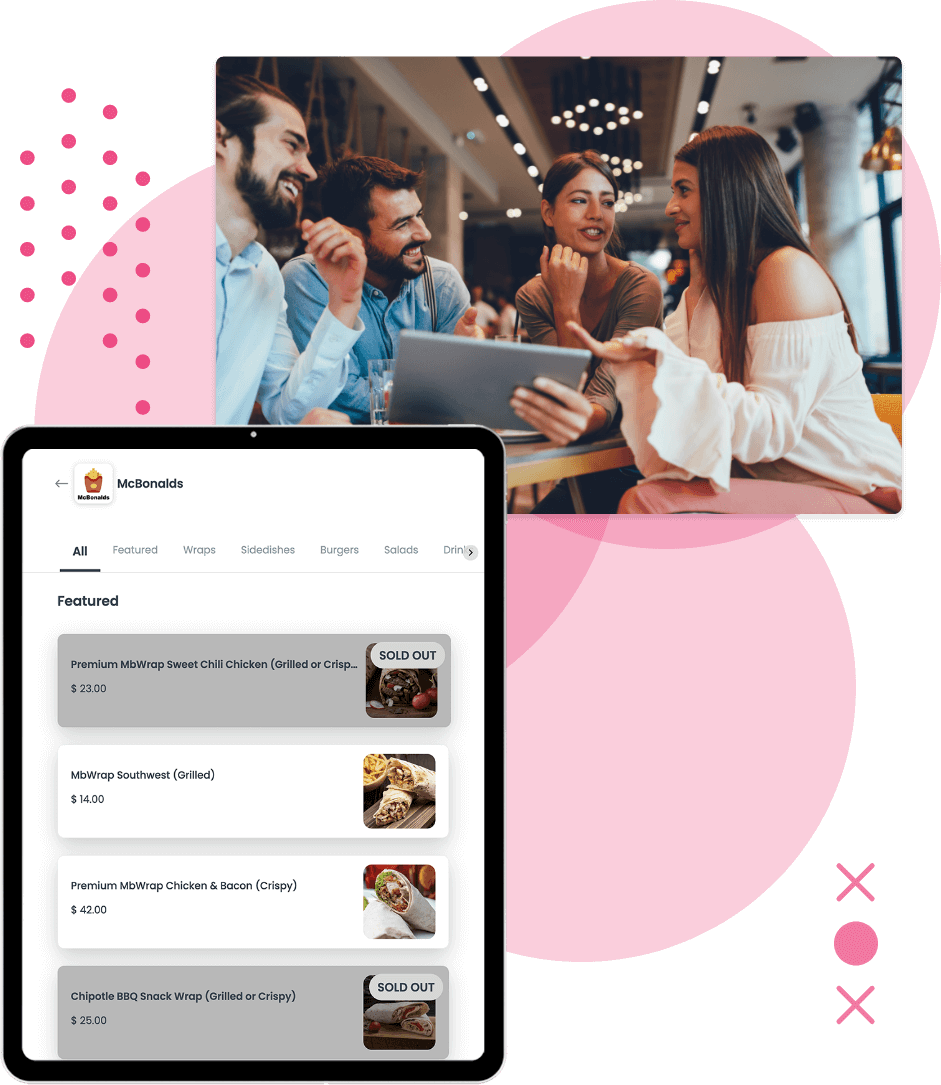
01 · Choose how to order
Give your customers options to buy from your business; by covering most of the ways your customers are looking for, you'll be their first choice.
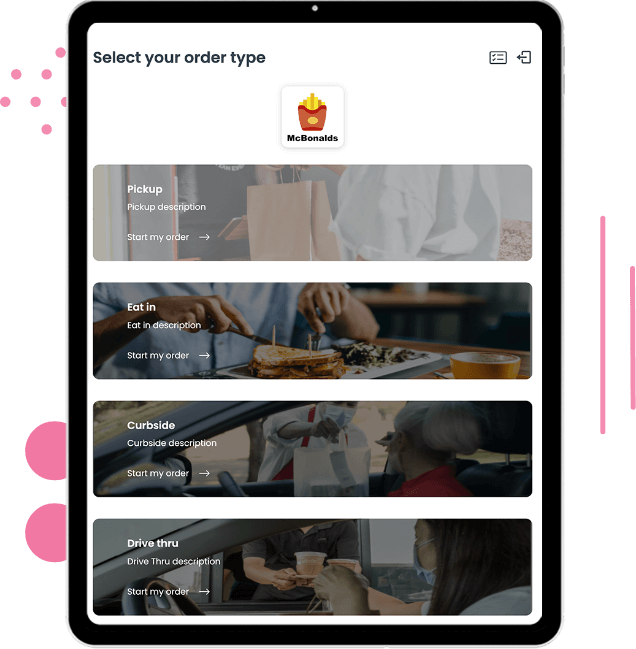
02 · Browse the menu
Showcase all of your products in an elegant yet simple ordering screen. Customers can view every available category, and if a product is sold out they won't be able to select it — but they'll know it exists.
If your products have any product option, like size or different ingredients, it shows on an easy-to-select screen.
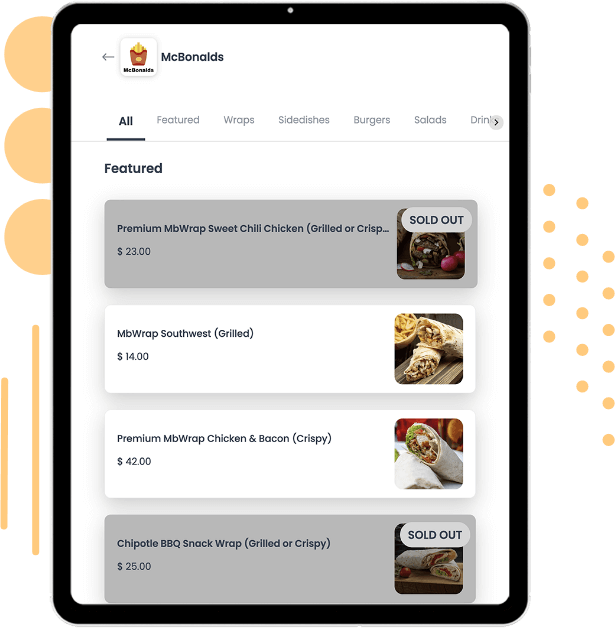
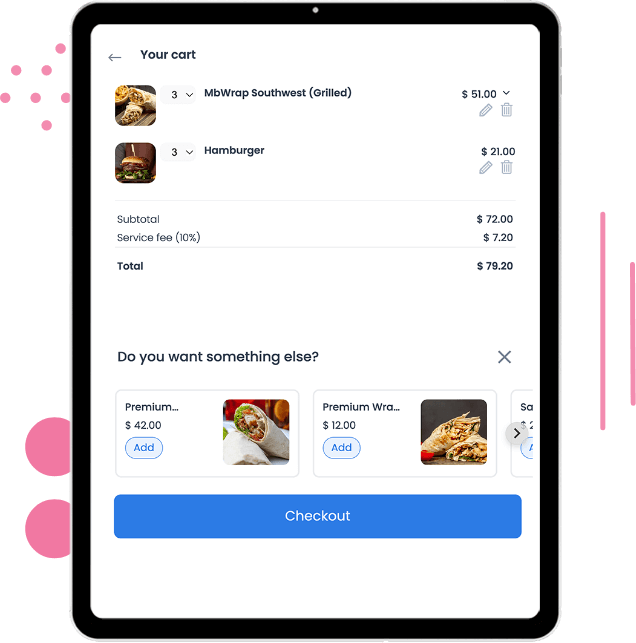
03 · Review the order
Show your customers the items they're about to purchase, with the chance to make a last-mile upsell — increasing revenue from each order, one at a time.
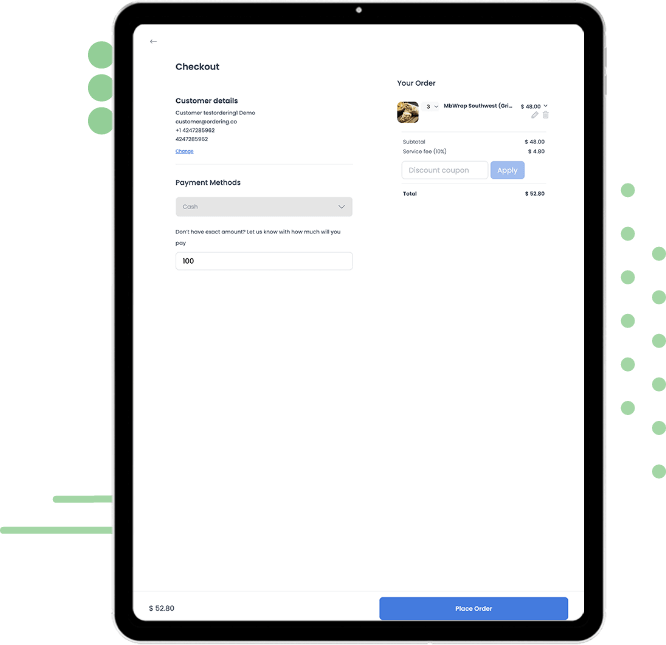
04 · Complete the purchase
Keep it simple for your customers to finish the order: select a payment method, double-check the order details, change anything quickly, and apply a coupon if they have one.
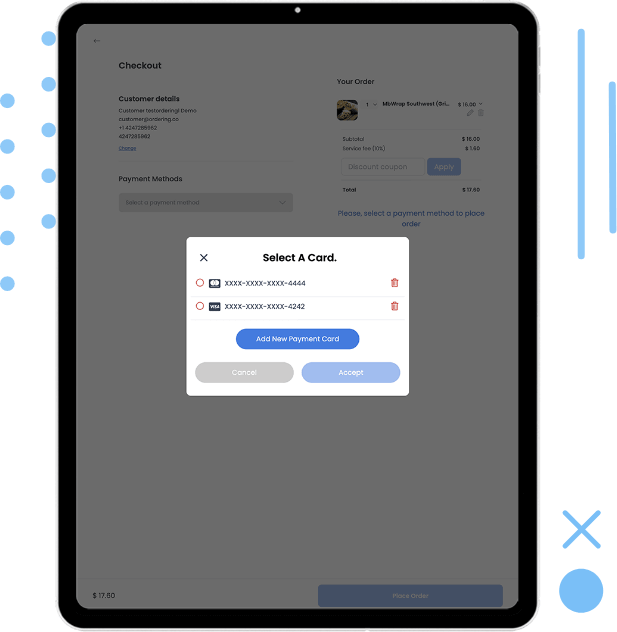
05 · Pay your way
Give your customers the payment options they need to finish the order without friction — you're just one step away from selling one more order.
Customers can save a card and pay with one tap on their next order, so checkout gets faster every time they come back.
Integrate with any payment gateway; currently, we have the most popular gateways ready for you:
Every time the order changes status, your customers receive a push notification right to their mobile device, until the order is completed.
Just like using WhatsApp: message your customers directly about their order from the same experience.
Your Ordering website and native apps support the WEBP image format, one of the lightest image formats available, so menu photos stay fast to load.
Learn more about Order & Pay. Jump to our knowledge base and discover more product characteristics.
Visit the knowledge baseTell us which order types, payment gateways, and notifications your operation needs.