


Payment gateway integration
Offer PayPal at checkout with your own PayPal account.
Let customers pay with PayPal in your Ordering.co checkout, using your own PayPal business account, configured business by business.
Countries and account eligibility
Markets (37) for PayPal
- Australia
- Austria
- Belgium
- Bulgaria
- Canada
- China
- Cyprus
- Czechia
- Denmark
- Estonia
- Finland
- France
- Germany
- Greece
- Hong Kong SAR China
- Hungary
- Ireland
- Italy
- Japan
- Latvia
- Liechtenstein
- Lithuania
- Luxembourg
- Malta
- Mexico
- Netherlands
- Norway
- Poland
- Portugal
- Romania
- Singapore
- Slovakia
- Slovenia
- Spain
- Sweden
- United Kingdom
- United States
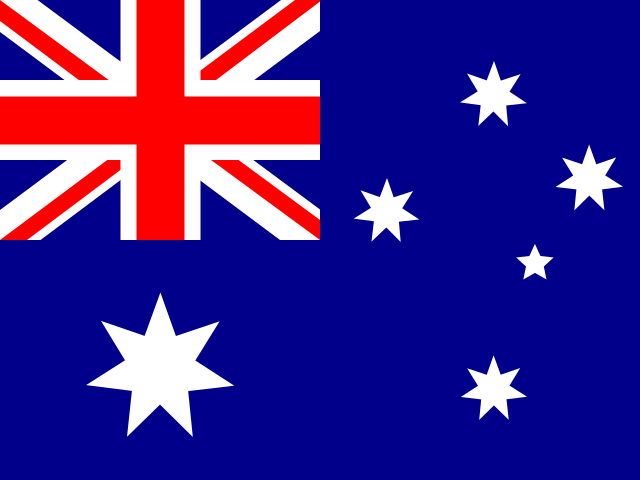
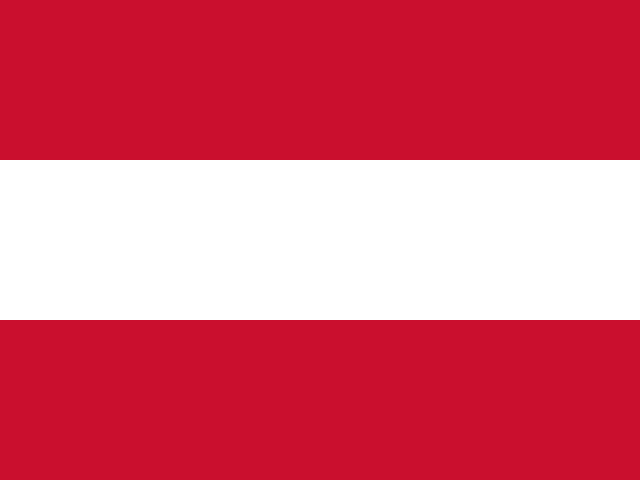

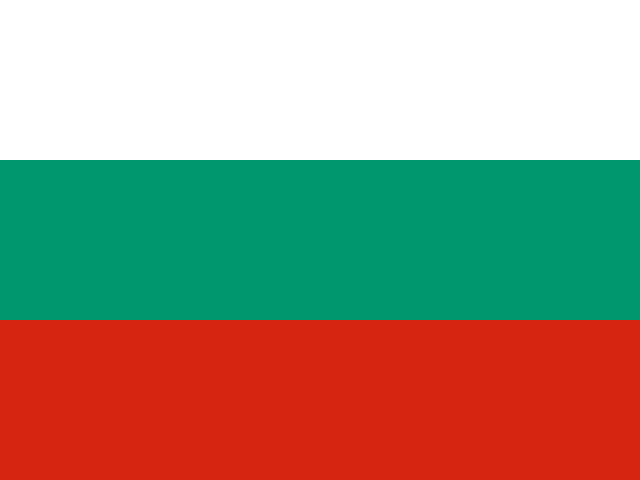
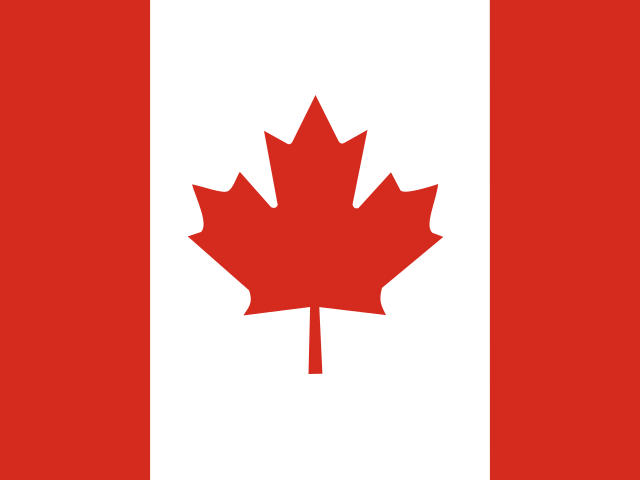
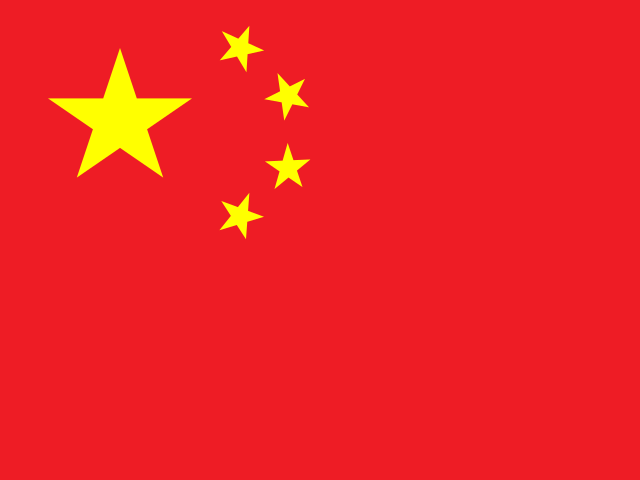
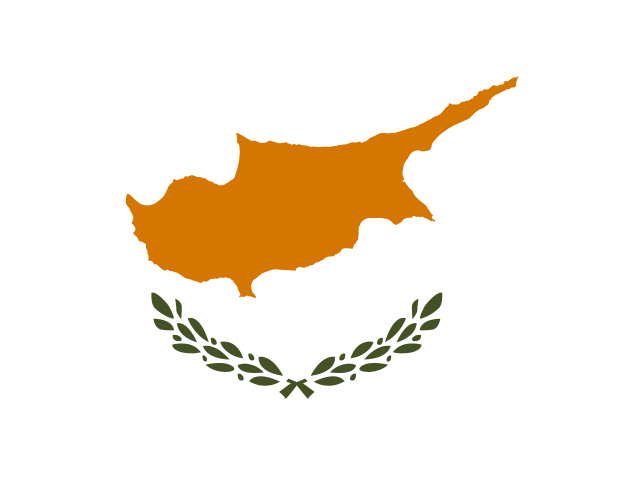
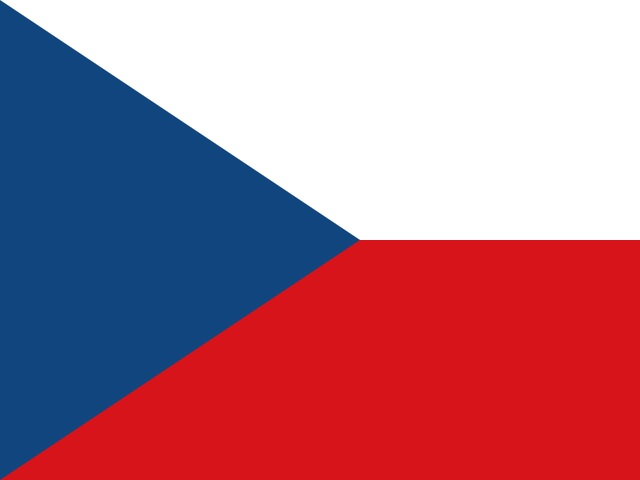
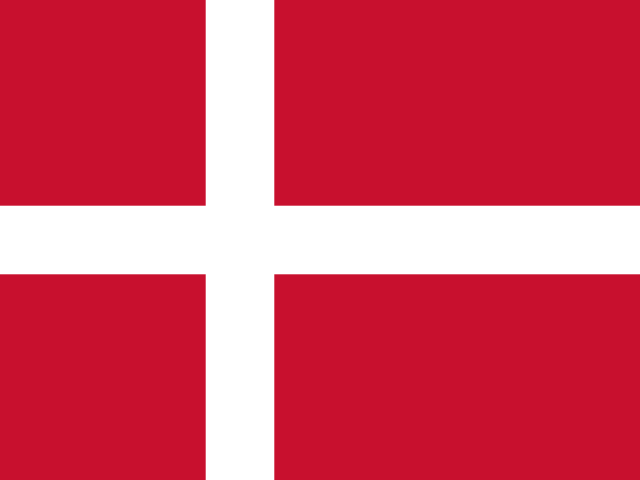
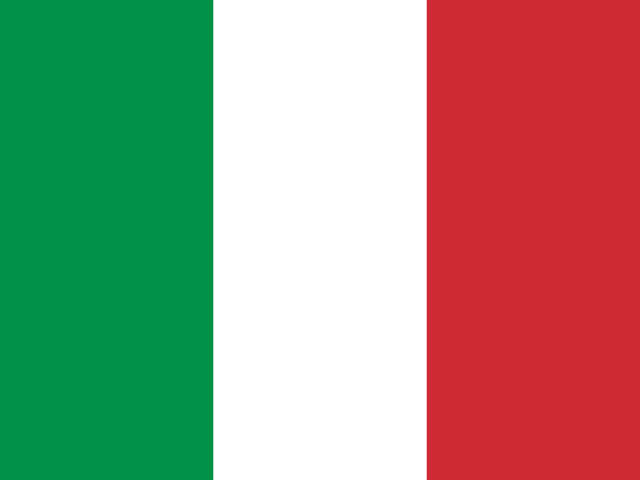
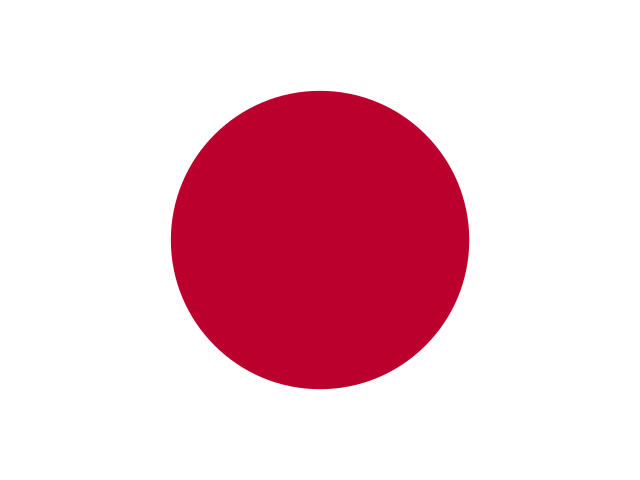
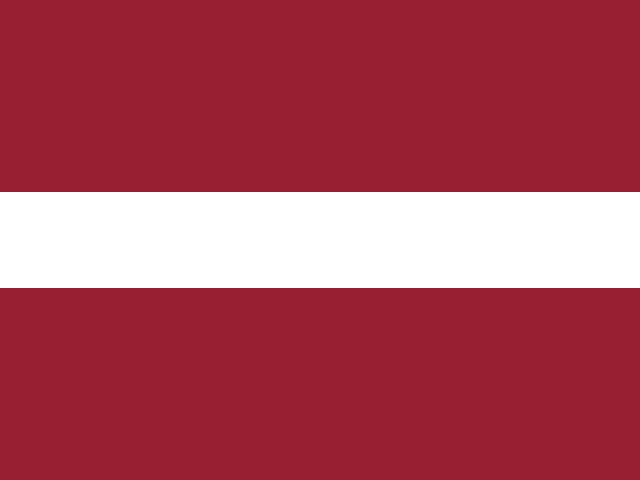
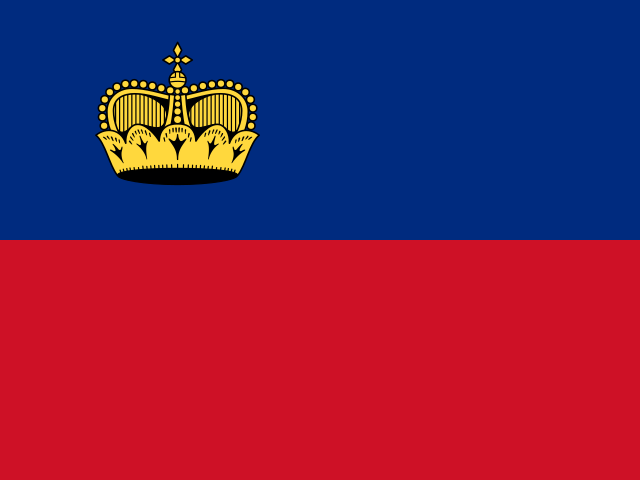

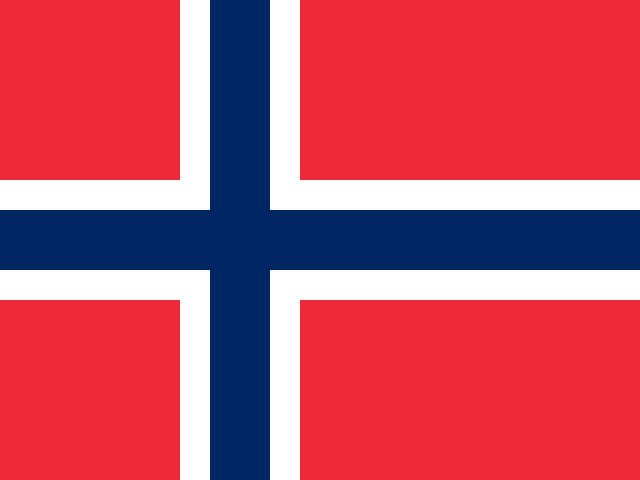
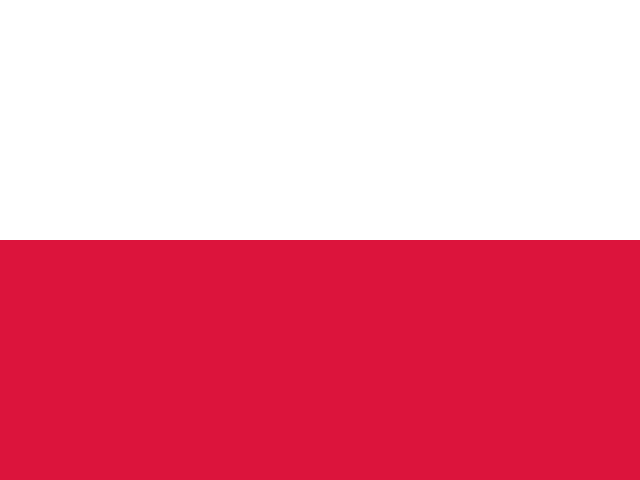
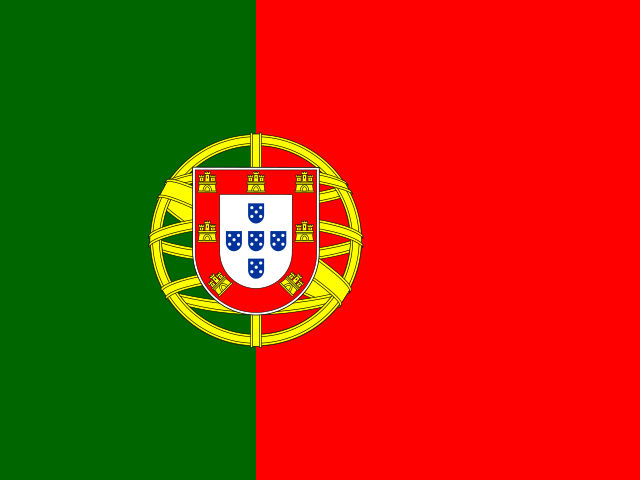

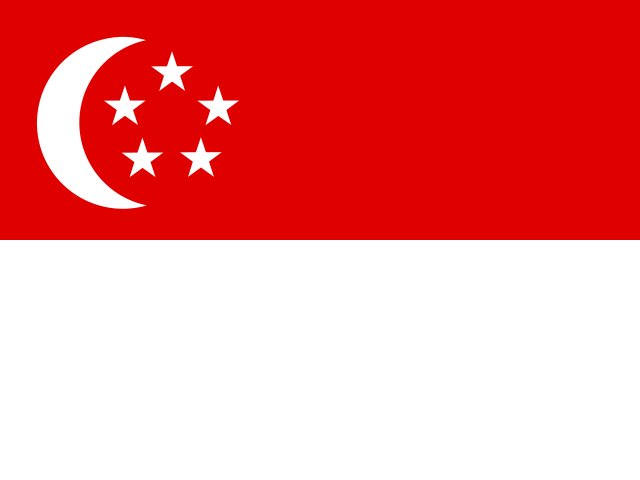
Partial product coverage: Expanded Checkout payments are available for business merchants in these 37 countries. Feature and account eligibility vary by country.
Sources
Why use PayPal with Ordering.co
- Offer a checkout customers recognize. Customers can pay with their PayPal account in your Ordering.co checkout.
- Keep payments in your own account. Funds go to your PayPal business account, where you manage refunds and disputes.
- Roll out business by business. Enable PayPal only in the businesses that should offer it.
- Test before real money moves. Use PayPal’s sandbox to check orders end to end before going live.
What PayPal brings
PayPal describes these capabilities on its accept payments page:
- Seller Protection on eligible transactions.
- Fraud protection tools that help reduce risk.
The payment options PayPal offers vary by country; see PayPal payment methods.
Processing fees
PayPal charges its fees directly to your PayPal business account under your PayPal terms. See PayPal business fees for current rates in your country.
Set up and go live
- Sign in to the PayPal Developer Dashboard with your PayPal business account.
- Create an app and copy its client ID and secret for sandbox and for live.
- In the Ordering.co Dashboard, open Stores, select a business, and open Payment methods.
- Open PayPal, turn on Sandbox, enter the sandbox Client ID and Secret ID, and save.
- Place test orders with PayPal sandbox accounts.
- Switch off Sandbox, enter your live credentials, and save.
The Ordering.co PayPal setup screens show where each field sits. Keep your secret private. Enter it only in the Dashboard, never in emails, tickets, or shared documents.
More payment options
- Stripe adds cards, Apple Pay, and Google Pay with your own Stripe account.
- Payment gateways lists every payment integration available in Ordering.co.
How it works
Create your PayPal app, test in sandbox, and go live.
- 01Get your PayPal credentials
Create an app in the PayPal Developer Dashboard to get its client ID and secret, for sandbox and for live.
- 02Add them to each business
In the business's Payment methods, open PayPal and enter the client ID and secret.
- 03Test, then go live
Keep sandbox on while you place test orders, then switch it off and use your live credentials.
Resources
Guides and references.
- Ordering.co PayPal setup screensOpen the guide for setup and operating details.
- PayPal REST API credentialsOpen the guide for setup and operating details.
- PayPal CheckoutOpen the guide for setup and operating details.
- PayPal payment methodsOpen the guide for setup and operating details.
- PayPal business feesOpen the guide for setup and operating details.
Questions
Frequently asked questions.
How do customers pay with PayPal?
Customers choose PayPal at checkout and approve the payment with their PayPal account.
Who owns the PayPal account and the funds?
You do. Payments go to your PayPal business account, and you manage refunds, disputes, and withdrawals in PayPal.
What credentials do I need?
A client ID and secret from an app in the PayPal Developer Dashboard. PayPal issues separate credentials for sandbox and live.
Can I test PayPal before taking real payments?
Yes. Turn on sandbox in the PayPal payment method, use your sandbox credentials, and place test orders with PayPal sandbox accounts before switching to live.
Can I use PayPal for only some of my businesses?
Yes. PayPal is configured in each business's Payment methods, so you enable it only where you want to offer it.
In which countries can I use PayPal?
This page lists the countries where PayPal offers its checkout for business merchants. PayPal decides account eligibility, and some features vary by country.
Add PayPal to your checkout.
Tell us which businesses and countries you are launching, and we will help you plan the PayPal setup.