

Product recommendations
Offer the next relevant item before checkout.
Upselling helps you plan contextual product or service recommendations so customers can consider a complement before they complete an order.
Offer selection, eligibility, presentation, and availability depend on the products, channels, and configuration selected for your operation.
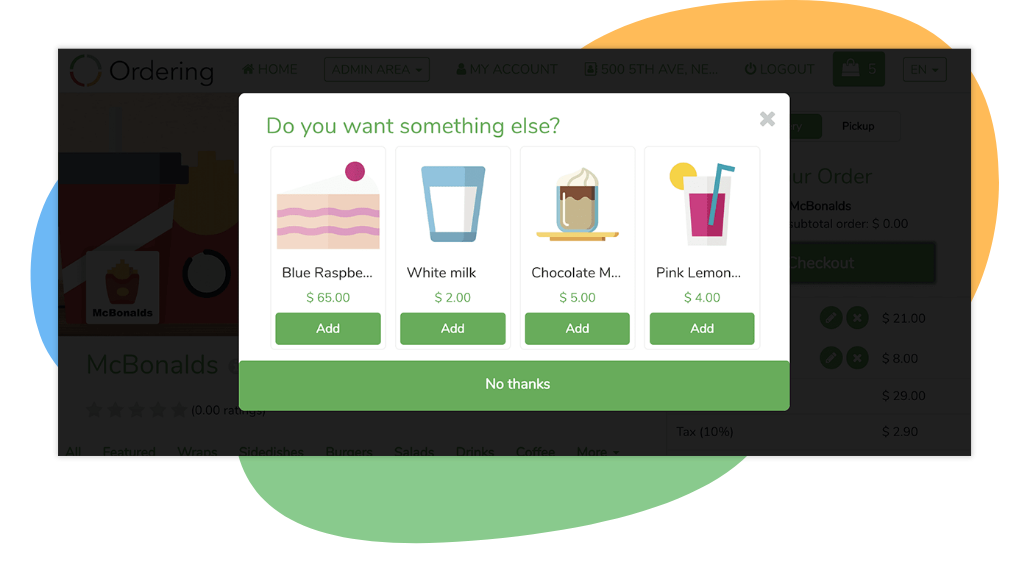
Checkout prompt
Offer one relevant item without leaving checkout.
Upselling surfaces a complementary item, a drink or a side, right in the checkout panel, so a customer can add it in one tap and keep reviewing their order.
Where you use it: Customer app and storefront checkout
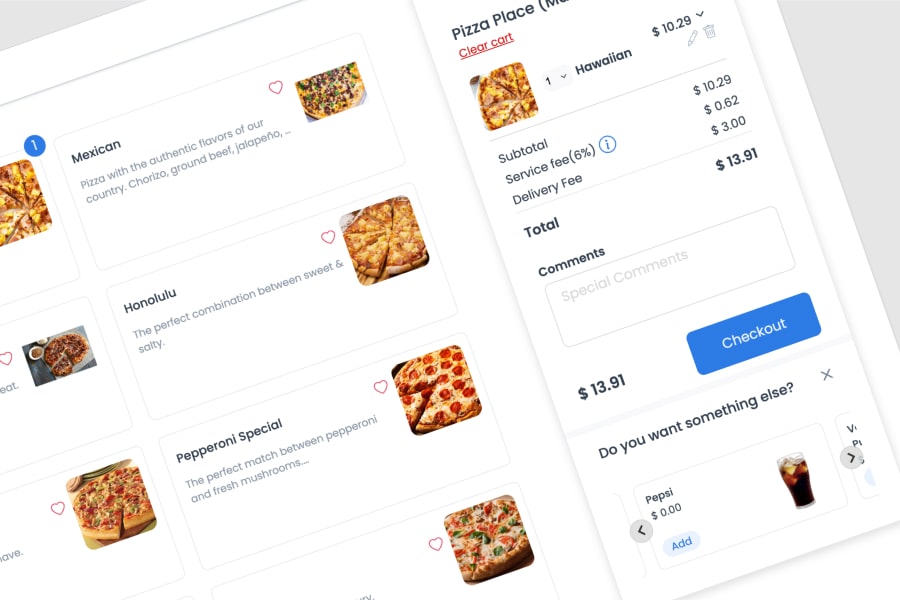
What the customer sees
- A prompt in the checkout panel
- A "Do you want something else?" card appears with the recommended item, its price, and an Add button, next to the order the customer is about to place.
- Added in one tap
- The customer adds the item from the prompt without leaving checkout or losing their place in the order.
- A complement to the order
- The recommendation is a product that pairs with what is already in the cart, such as a drink alongside a meal.
- Personalized by order history
- The suggested item can be tailored to what the customer orders often, such as the side dish that usually pairs with their regular meal.
Why it matters
- A higher order value without a hard sellOne relevant suggestion at the moment of checkout, instead of a discount or an unrelated pop-up, keeps the customer focused on completing the order.
A purposeful recommendation
Make every offer specific to the order in front of the customer.
Use beverages, desserts, or another service to define which complements fit your catalog and service model.
- 01
Choose the offer
Select the product, service, or complement you want to present in the relevant ordering context.
- 02
Present the recommendation
Decide where an eligible customer should encounter the recommendation before checkout.
- 03
Review the rules
Confirm how product selection, availability, and offer behavior should work for the chosen setup.
The customer moment
Present the complement without interrupting the order.
A recommendation can be an opportunity to surface a useful addition, but its timing and presentation should fit the ordering channel and the customer experience you are creating.
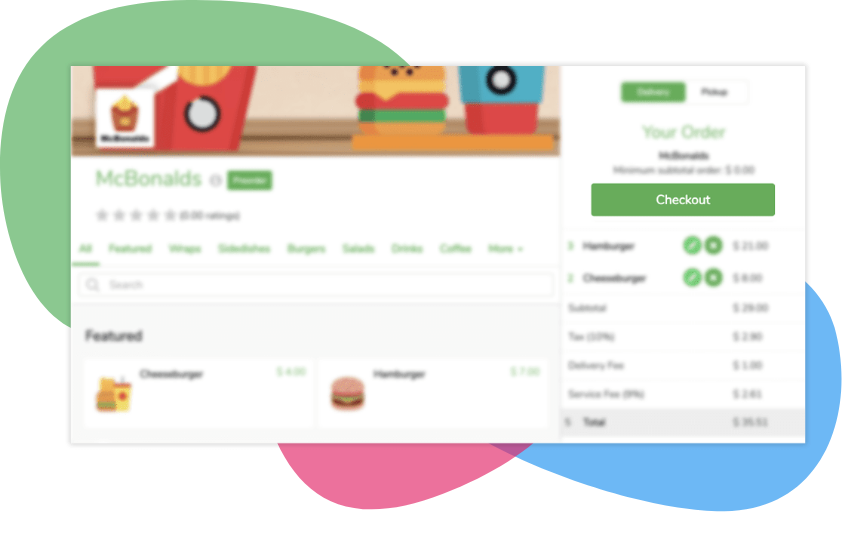
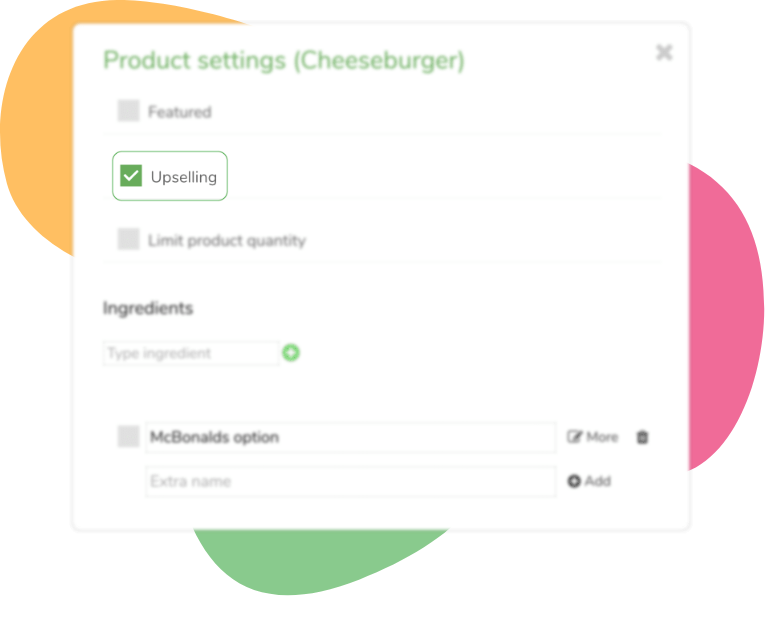
Configuration questions
Set offer rules before the customer sees a recommendation.
Define the ordering channel, customer eligibility, catalog behavior, and product conditions for each offer.
- Which products or services may be recommended?
- Which conditions make an offer eligible?
- Where should the customer encounter the offer?
Design recommendations around the order, not a generic prompt.
Tell us which complements you want to evaluate and how they should appear in your customer experience.