

Current cart
Customers can access their shopping cart from multiple devices and platforms in real time.
Customer ordering
Real-time Cart Sync lets a signed-in customer access the same cart across devices and continue ordering without starting over.
Cart continuity
Once a customer signs in, their cart carries over between web, app, and any other device they sign into, so switching devices never means rebuilding the order.
Where you use it: Storefront and customer app, for signed-in customers
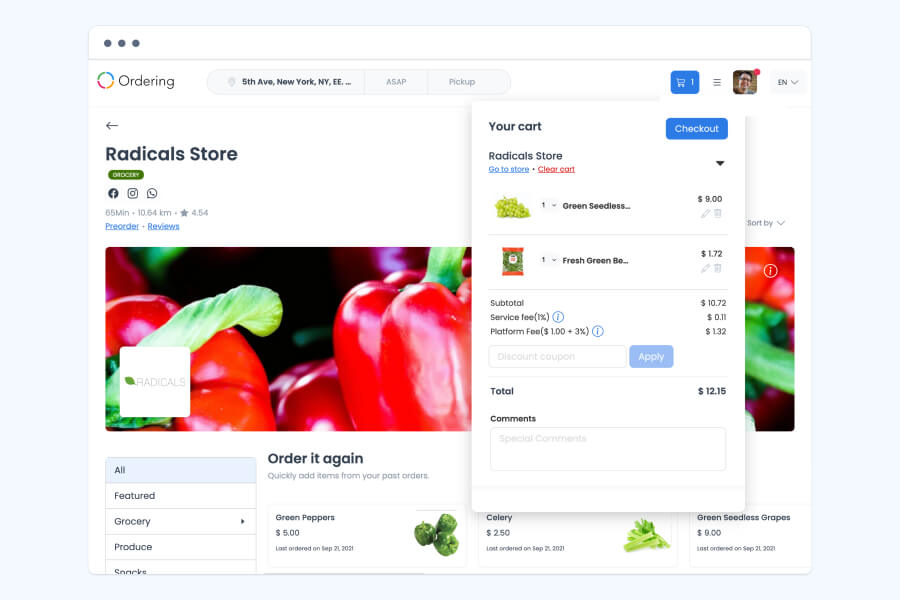
Continue, do not restart
This capability is useful when customers begin browsing in one place and complete the order somewhere else.
The customer accesses their account on the device or platform they are using.
Items added to the cart are available as the customer continues the ordering journey.
The signed-in customer can continue shopping and place the order without starting the cart over.
An order experience with context
Customers can access their shopping cart from multiple devices and platforms in real time.
Adding or removing an item can be reflected in the cart so customers can check the order they want to place.
Implementation focus
Cart continuity depends on the customer signing in before moving between devices. Define that account entry point clearly in the storefront experience so the handoff makes sense to the customer.
Explore Ordering WebDiscuss the storefront, customer account, and ordering experience you want to connect.