

Payment gateway integration
Accept Mercado Pago payments across Latin America.
Accept Mercado Pago Checkout Pro payments on Ordering Web and the Customer App, with each business connecting its own Mercado Pago account and optional marketplace fees.
Countries and account eligibility
Markets (7) for Mercado Pago
- Argentina
- Brazil
- Chile
- Colombia
- Mexico
- Peru
- Uruguay

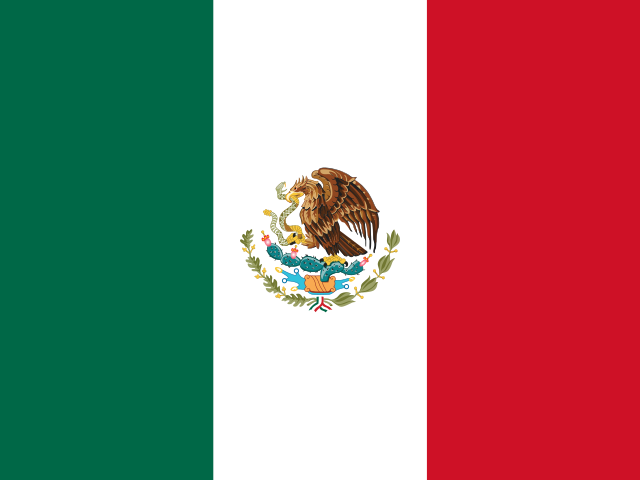

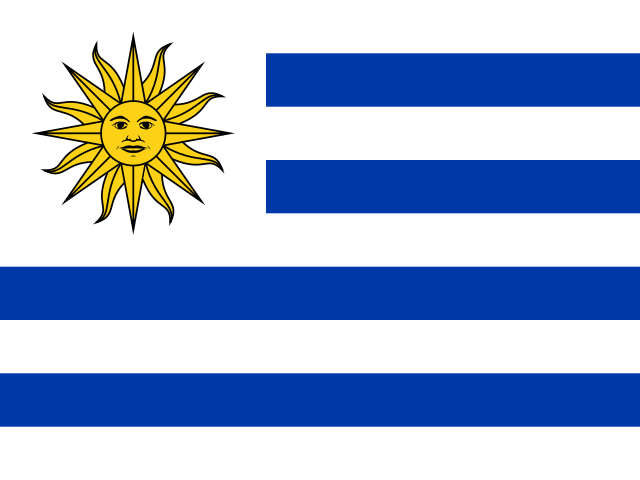
Partial product coverage: Checkout Pro and online payments are available in these country sites. Account approval depends on Mercado Pago.
Sources
Why use Mercado Pago with Ordering.co
- Offer the checkout customers know. Mercado Pago Checkout Pro works on Ordering Web and the Customer App.
- Keep payments in each business’s account. Every business connects its own Mercado Pago account, with no tokens to copy by hand.
- Charge a marketplace fee when you need one. Set a fee percentage per business, and Mercado Pago sends that share to your platform on each payment.
- Test before real money moves. Sandbox and production connections run separately.
What Mercado Pago brings
Mercado Pago describes these capabilities of Checkout Pro:
- A hosted payment page where customers pay in Mercado Pago’s secure environment.
- Local payment options that vary by country, including cards and Mercado Pago account balance.
- Fraud prevention with 3DS 2.0 authentication and customer identity verification.
Marketplace fees
Each business has a Marketplace Fee % setting. Leave it empty or at 0 and the full payment goes to the business, less Mercado Pago’s fees. Set a percentage and Mercado Pago transfers that share of each payment to your platform’s Mercado Pago account automatically. When a split payment is refunded, Mercado Pago deducts the refund proportionally from the business and the platform.
Processing fees
Mercado Pago charges its fees directly to each business’s Mercado Pago account under its Mercado Pago terms. Fees and payout timing vary by country and account.
Set up and go live
The Ordering.co Mercado Pago setup guide covers the Dashboard steps:
- Ordering.co installs the Mercado Pago Checkout Pro integration on your project.
- Your project is linked to a Mercado Pago application in the country where your businesses operate.
- Each business enables Mercado Pago Checkout Pro in its Payment methods, sets its marketplace fee if any, and chooses its channels and order types.
- The business connects its Mercado Pago account through Mercado Pago’s authorization page, first in sandbox.
- Place test orders with Mercado Pago test accounts from the same country.
- Connect the production account, switch the business out of sandbox, and start taking payments.
Keep Mercado Pago credentials private. Enter them only in the Dashboard or on Mercado Pago’s pages, never in emails, tickets, or shared documents.
More payment options
- Stripe Connect splits payments between a platform and its businesses with Stripe.
- Ordering Web is the ordering website where customers pay with Mercado Pago.
How it works
Connect each business, test safely, and go live.
- 01Install Mercado Pago on your project
Ordering.co installs the Mercado Pago Checkout Pro integration and links it to a Mercado Pago application for your country.
- 02Connect each business
Each business connects its own Mercado Pago account through Mercado Pago's authorization page and enables the payment method.
- 03Test, then go live
Validate orders with Mercado Pago test accounts in sandbox, then switch the business to production.
Resources
Guides and references.
- Ordering.co Mercado Pago setup guideOpen the guide for setup and operating details.
- Mercado Pago Checkout ProOpen the guide for setup and operating details.
- Mercado Pago credentialsOpen the guide for setup and operating details.
- Mercado Pago Checkout Pro test accountsOpen the guide for setup and operating details.
Questions
Frequently asked questions.
How do customers pay with Mercado Pago?
At checkout, customers are sent to Mercado Pago Checkout Pro to pay, then return to your ordering experience. Mercado Pago shows the payment options available in each country, such as cards and Mercado Pago account balance.
Where is Mercado Pago available in Ordering.co?
On Ordering Web and the Customer App.
Who owns the Mercado Pago account and the funds?
Each business connects its own Mercado Pago account, and payments go to that account. The business manages its funds, refunds, and payouts in Mercado Pago.
Can my platform take a fee on each payment?
Yes. You can set a marketplace fee percentage for each business. Mercado Pago then transfers that percentage of each payment to the platform's account automatically. Leave it empty and the full payment goes to the business, less Mercado Pago's fees.
In which countries can I use Mercado Pago?
In the countries where Mercado Pago offers Checkout Pro, listed on this page. The business's Mercado Pago account and the application must be in the same country, and Mercado Pago approves each account.
Can I test before taking real payments?
Yes. The integration keeps sandbox and production connections separate, so a business can validate orders with Mercado Pago test accounts before switching to production.
Launch Mercado Pago payments for your businesses.
Tell us which countries, businesses, and channels you are launching, and whether your platform takes a fee, and we will help you plan the setup.