

Progressive web app

Give the web experience a place on every screen.

A progressive web app brings your ordering journey to the browsers and devices your customers already use.

Choose the browser support, installability, and capabilities your operation needs.
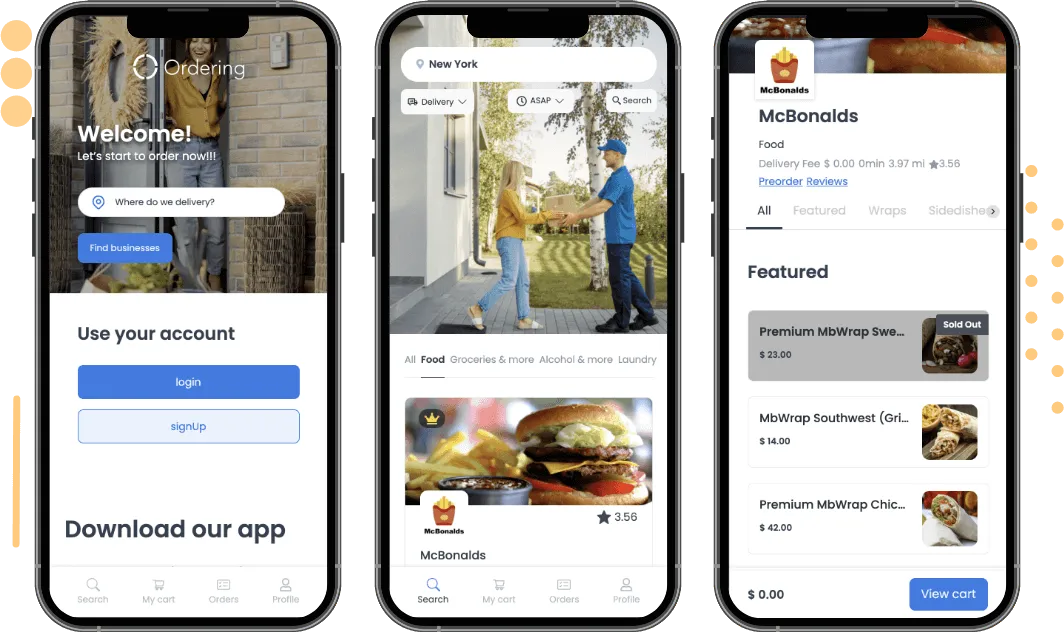
Progressive web app on a browser
A web ordering experience on a browser.

The web experience

Keep the ordering journey readable, responsive, and intentional.

Design browser reach, a reliable experience, and the web capabilities that fit the journey you want customers to complete.

Browser-first reach

Identify the web contexts and customer devices your ordering journey needs to serve.

One responsive journey

Design the same essential steps to remain understandable from a small screen to a large one.

Deliberate capability

Choose the browser capabilities and install experience that suit your release.

Plan the experience

Start with the customer’s browser, then define the delivery.

Use the device experience to clarify your ordering flow, content hierarchy, install guidance, offline expectations, and the operating conditions your team must support.

Talk to Ordering.co
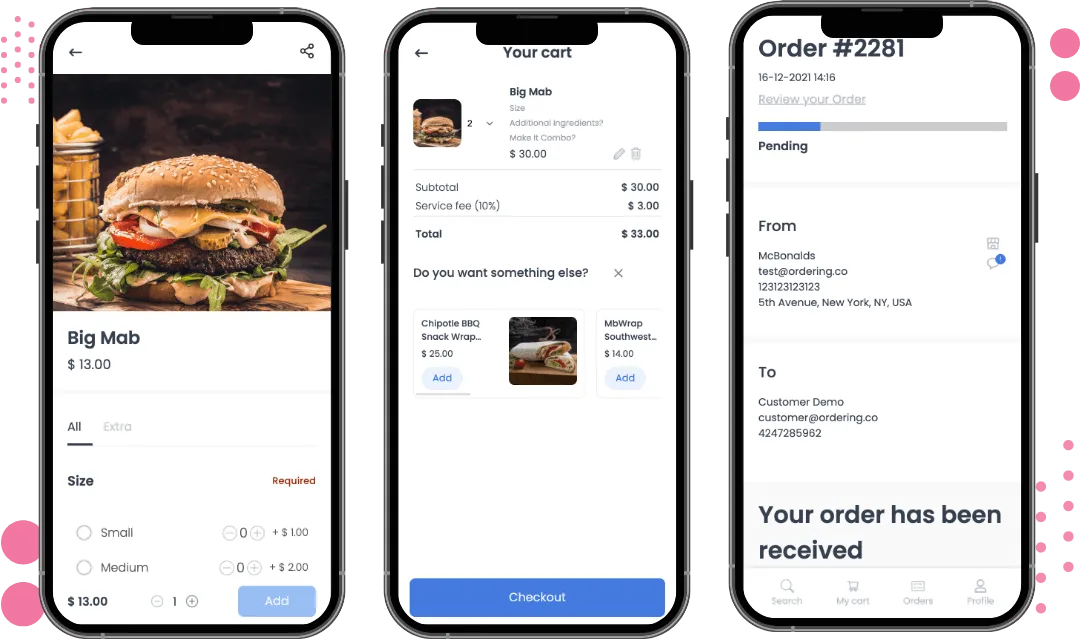
Progressive web app browsing experience
An ordering flow on the web.

Installable web app

One tap from the browser to the home screen.

A progressive web app installs straight from the browser, so customers get an app-like way back to your ordering experience without visiting an app store.

Where you use it: Any modern browser, on phone, tablet, or desktop

What customers get

Add to the home screen
Customers install the ordering experience from the browser prompt, with no app-store download or account.
A shortcut back to order again
The home-screen icon opens straight into your ordering experience, making the next order quicker to start.
Always the current version
The app updates automatically in the browser, so customers use the current version without reinstalling anything.
One experience, every device
Built with modern web APIs from a single codebase, so the same experience reaches phones, tablets, and desktops.
Works when the connection drops
The app keeps working when the connection drops, so a customer can access the site and place an order even offline, and it works again seamlessly once they reconnect.
Push notifications
The installed app can send push notifications, the same way a native app does, to bring customers back for order updates or offers.

Why it matters

  • Lower friction to returnAn icon on the home screen brings customers back to order again without searching for your site or an app listing.
  • One build to maintainA single web experience reaches every browser and device, instead of a separate native build for each platform.
  • Found by search enginesBecause it is a web app, search engines can index it like any other page, which a native app cannot offer.

Plan a web ordering experience customers can return to.

Talk through the browsers, customer moments, and capabilities that matter to your operation.