

01

Creative direction
Connect banner creative with the offer or message the customer should understand.

Featured products
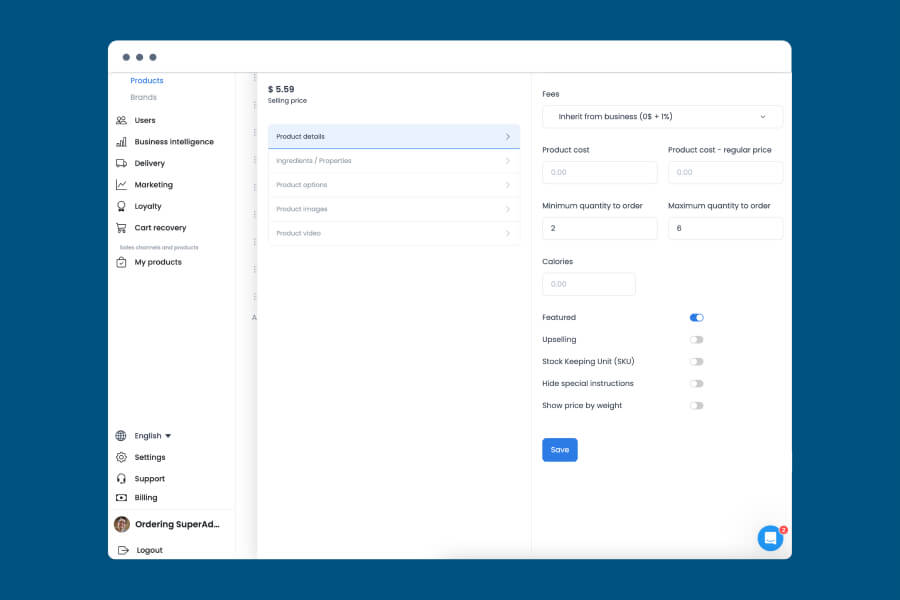
Mark any product as featured from its own settings, and it appears in a featured list on your ordering page, no separate banner design required.
Where you use it: Dashboard, Categories & products
Capability areas
Use these areas to define the targeting, testing, and personalization that fit your configuration.
Connect banner creative with the offer or message the customer should understand.

Consider where a banner belongs in the ordering flow and what content surrounds it.

Discuss the segments or conditions that may determine who sees an offer.

Use a clear, relevant message instead of assuming attention or conversion.

Define what feedback or data the team needs before changing creative or placement.

Keep the banner aligned with the catalog and conditions it is intended to support.
Placement with purpose
Place banners around the customer journey, the content that surrounds them, and the operating rules of your experience.
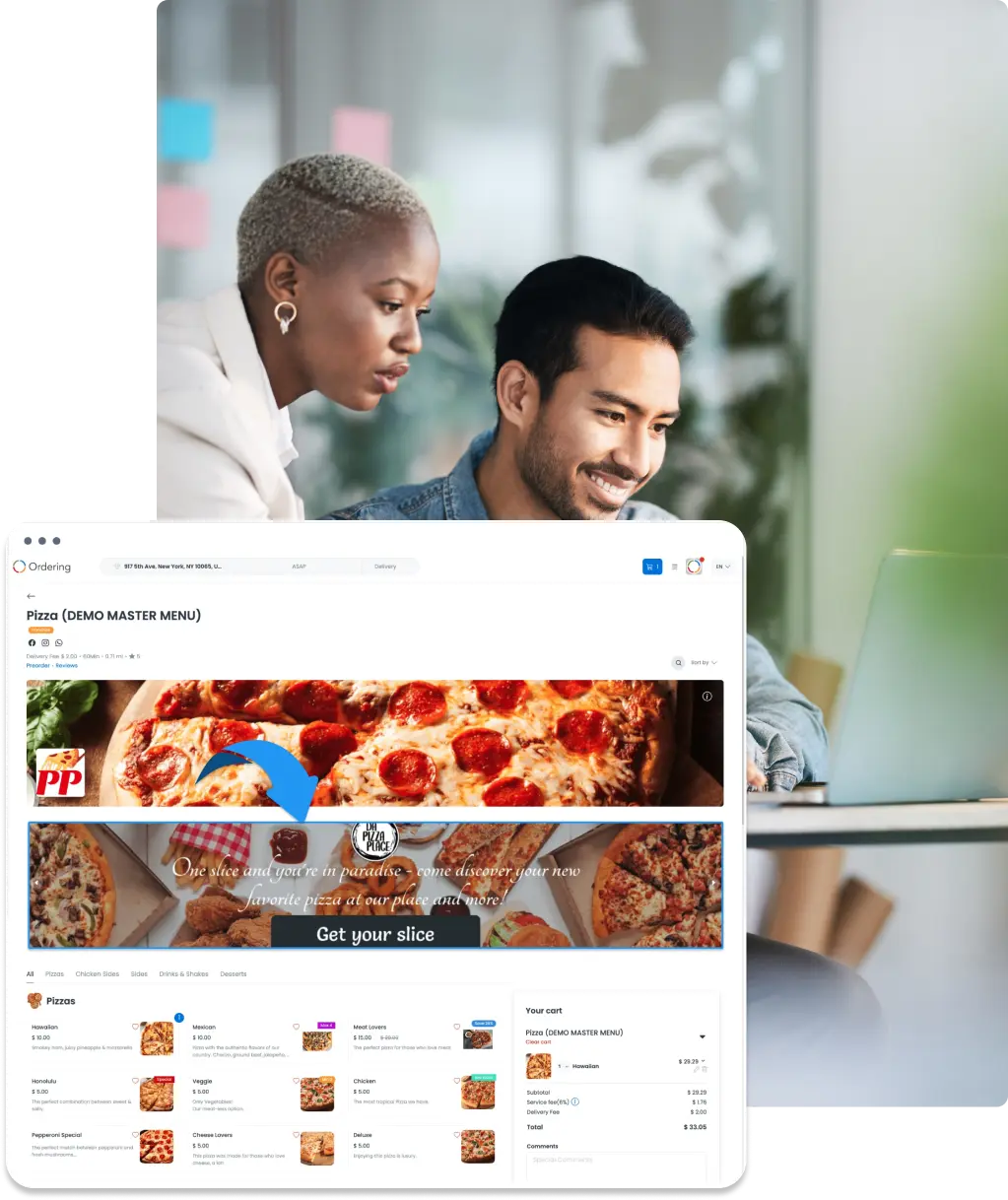
Bring the audience, offer conditions, and customer journey into the same conversation.