

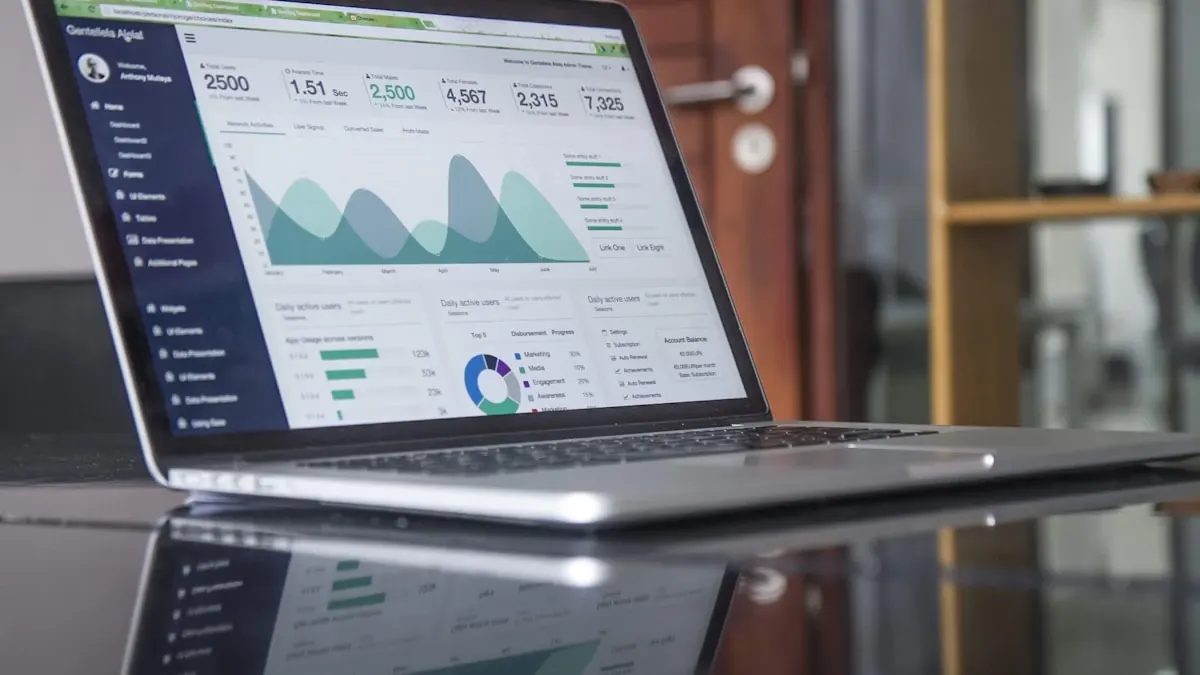
Why Monitoring Chatbot KPIs Matters
Deploying a restaurant chatbot is only half the job. The other half is making sure it actually works well. Without performance monitoring, you have no idea if your chatbot is capturing orders efficiently, frustrating customers with slow responses, or silently losing revenue during peak hours. You are flying blind.
The principle is simple: what gets measured gets improved. Restaurants that track chatbot KPIs consistently see 20-35% better performance within the first quarter compared to those that set it and forget it. Data-driven optimization is not optional for restaurants serious about AI ordering. It is the difference between a chatbot that pays for itself and one that quietly underperforms.
- 30 s
seconds or less: ideal response time
- 75%
conversation completion benchmark
- 40%
typical order conversion rate
- 4.2/5
CSAT target (out of 5)
The 8 Essential Chatbot KPIs
These eight metrics give you a complete picture of chatbot health, from speed and accuracy to revenue impact and customer satisfaction. Track all eight, but prioritize them in the order listed below.
8 KPIs Every Restaurant Chatbot Must Track
Ranked by impact on revenue and customer experience
Response Time
Critical
The average time between a customer message and the chatbot reply. Target: under 30 seconds. Slow responses are the top reason customers abandon ordering conversations.
Order Conversion Rate
Critical
Percentage of chatbot conversations that result in a completed order. A healthy chatbot converts 35-50% of ordering conversations.
Conversation Completion Rate
High
Percentage of conversations where the customer reaches the intended goal without dropping off mid-flow.
Customer Satisfaction (CSAT)
High
Post-interaction rating. Aim for 4.0+ out of 5. Low scores signal confusing flows or inaccurate responses.
Containment Rate
High
Percentage of conversations resolved without human handoff. High containment means the AI handles complexity well.
Average Order Value (AOV)
Medium
Average spend per chatbot order. AI upselling features can increase AOV by 15-25% compared to manual ordering.
First Contact Resolution (FCR)
Medium
Percentage of customer issues resolved in a single conversation without follow-up. Target: 80%+.
Abandonment Rate
Medium
Percentage of conversations where the customer leaves before completing their goal. High abandonment signals friction points.
KPI Benchmarks at a Glance
| KPI | Good | Average | Needs Improvement |
|---|---|---|---|
| Response Time | <30s | 30s-2min | >2min |
| Order Conversion | >40% | 25-40% | <25% |
| Conversation Completion | >75% | 55-75% | <55% |
| CSAT Score | 4.2+/5 | 3.5-4.2/5 | <3.5/5 |
| Containment Rate | >85% | 70-85% | <70% |
| Average Order Value | >$32 | $22-32 | <$22 |
| First Contact Resolution | >80% | 65-80% | <65% |
| Abandonment Rate | <15% | 15-30% | >30% |
How to Set Benchmarks for Each KPI
The biggest mistake restaurants make with KPIs is setting arbitrary targets without data. The right approach is baseline first, benchmarks second. Run your chatbot for at least two weeks without changes, collect the raw performance data, and then compare it against industry benchmarks to identify gaps.
Once you have your baseline, set targets that represent incremental improvement rather than perfection. If your current response time is 45 seconds, aim for 30 seconds in the first month, not 5 seconds. Small, consistent gains compound into dramatic results over a quarter.
Benchmark Setting Workflow
A repeatable process for continuous improvement
Collect Baseline
Run chatbot for 2 weeks without changes
Audit Data
Pull all 8 KPIs from your dashboard
Set Targets
Use industry benchmarks as reference
Optimize
Adjust flows, prompts, and menus
Review Monthly
Track progress and raise the bar
Response Time: The Make-or-Break KPI
Manual staff reply
15 min
Peak hour average when staff handles messages manually
Basic rule-based bot
2 min
Scripted responses with limited flexibility
AI-powered chatbot
8 sec
Ordering.co average response time across all restaurants
See Your KPIs in Real Time
Track Every Metric from Day One
Ordering.co includes a built-in analytics dashboard that tracks response time, conversion rate, CSAT, and every KPI covered in this article.
Tools and Dashboards for Monitoring
Tracking KPIs manually in spreadsheets is a recipe for stale data and missed insights. What you need is real-time visibility into your chatbot's performance as conversations happen, not a weekly report that arrives after the damage is done.
The best monitoring setup includes alert-based monitoring that notifies you when any KPI drops below your threshold. This way, you do not need to check the dashboard every hour. The system tells you when something needs attention.
Real-Time Dashboard
See live KPIs updating as conversations happen. No waiting for end-of-day reports.
Smart Alerts
Get notified when any KPI drops below your threshold so you can act immediately.
Trend Analysis
Compare performance week over week, identify patterns, and spot seasonal shifts.
Export Reports
Share PDF or CSV reports with your team and stakeholders for data-driven decisions.
Common Mistakes in Chatbot Analytics
Even restaurants that monitor their chatbot often fall into traps that lead to misleading conclusions. Here are the most common mistakes and how to avoid them.
Chatbot Analytics: Mistakes vs. Better Approaches
Mistake: Tracking total conversations is enough
Better Approach: Volume means nothing without conversion and completion rates. A thousand chats with 10% conversion is worse than 200 chats at 50%.
Mistake: Set it and forget it after launch
Better Approach: KPIs drift over time as menus change, customer behavior shifts, and seasonal demand fluctuates. Monthly reviews are mandatory.
Mistake: CSAT surveys annoy customers
Better Approach: A single-tap rating after an order adds negligible friction and provides the most direct signal of customer experience.
Mistake: Only track the chatbot, not the handoff
Better Approach: Containment rate and handoff quality are linked. Poor AI handoffs create worse human-agent experiences.
Mistake: More data means better decisions
Better Approach: Focus on the 8 core KPIs first. Adding 30 vanity metrics dilutes attention and delays action.
Using KPI Data to Improve Performance
Data without action is just noise. The power of KPI tracking comes from the continuous improvement cycle: identify your weakest metric, form a hypothesis about why it is underperforming, make a targeted change, and measure the impact. One change at a time, one metric at a time.
For example, if your abandonment rate spikes at the payment step, the fix might be simplifying payment options, not rewriting the entire conversation flow. Targeted fixes driven by data outperform broad overhauls every time.
Chatbot KPI Glossary
- Response Time
- Time elapsed between a customer sending a message and the chatbot replying.
- Order Conversion Rate
- Percentage of conversations that end with a completed purchase.
- Conversation Completion
- Percentage of conversations where the customer reaches the intended end-state.
- CSAT
- Customer Satisfaction score, typically measured as a 1-5 rating after interaction.
- Containment Rate
- Percentage of conversations fully resolved by the AI without human handoff.
- AOV
- Average Order Value: the mean spend per chatbot-originated order.
- FCR
- First Contact Resolution: issues resolved in a single conversation without follow-up.
- Abandonment Rate
- Percentage of conversations where the customer exits before completing their goal.
Your Action Plan: Getting Started
You do not need a data science degree to start monitoring your chatbot. Here is a practical five-step plan that any restaurant can implement this week.
Action Plan
Start Monitoring in 5 Steps
From zero visibility to data-driven chatbot optimization
Enable analytics tracking
Ensure your chatbot platform logs every conversation, timestamp, and outcome. Ordering.co does this automatically.
Define your 8 core KPIs
Use the benchmarks table above. Print it, share it with your team, and agree on targets.
Build or access your dashboard
Use the built-in Ordering.co dashboard or connect to your preferred BI tool for centralized visibility.
Schedule monthly reviews
Block 30 minutes each month to review KPI trends. Identify the single weakest metric and focus there.
Iterate and improve
Make one targeted change per cycle. Adjust chatbot prompts, menu structure, or flow logic based on the data.
Frequently Asked Questions
Common questions about chatbot KPIs for restaurants
What is the most important chatbot KPI for restaurants?
Response time is the single most impactful KPI. Customers expect replies within 30 seconds, and anything slower causes significant drop-off in ordering conversations. Track this metric first and optimize it before moving to others.
How often should I review chatbot performance metrics?
Monthly reviews are the recommended cadence for most restaurants. Weekly spot-checks help catch sudden drops, but deep analysis monthly keeps you focused on trends rather than noise.
What is a good order conversion rate for a restaurant chatbot?
A strong order conversion rate is 35-50% of ordering conversations. Below 25% indicates friction in the ordering flow, unclear menus, or poor natural language understanding.
How do I measure customer satisfaction with my chatbot?
CSAT is best measured with a single-tap rating prompt immediately after the order is completed. A 1-5 star scale gives you quantifiable data without annoying customers.
What is containment rate and why does it matter?
Containment rate is the percentage of conversations the AI resolves without escalating to a human agent. High containment (above 85%) means lower labor costs and faster service. Low containment signals that the chatbot needs better training or flow design.
Can chatbot analytics help increase average order value?
Yes, tracking AOV through the chatbot reveals upselling opportunities. AI chatbots that suggest add-ons, combos, or upgrades during the ordering flow typically increase AOV by 15-25%.
What tools do I need to monitor chatbot KPIs?
A built-in analytics dashboard is the most practical option. Ordering.co includes real-time KPI tracking, trend analysis, and alert notifications out of the box, so no third-party tools are required.
How long does it take to see improvement after optimizing chatbot KPIs?
Most restaurants see measurable improvement within 2-4 weeks of making targeted changes. Response time improvements show results almost immediately, while conversion rate and CSAT improvements take longer to stabilize.
Ready to Track Your Chatbot KPIs?
Get a real-time analytics dashboard with every Ordering.co plan. See your metrics from day one.